Slack Channel Architecture for Small Teams
A desk audit for Slack channel architecture for small teams, focused on comfort, recovery time, shared-work constraints, and the details that reduce Monday-morning friction.
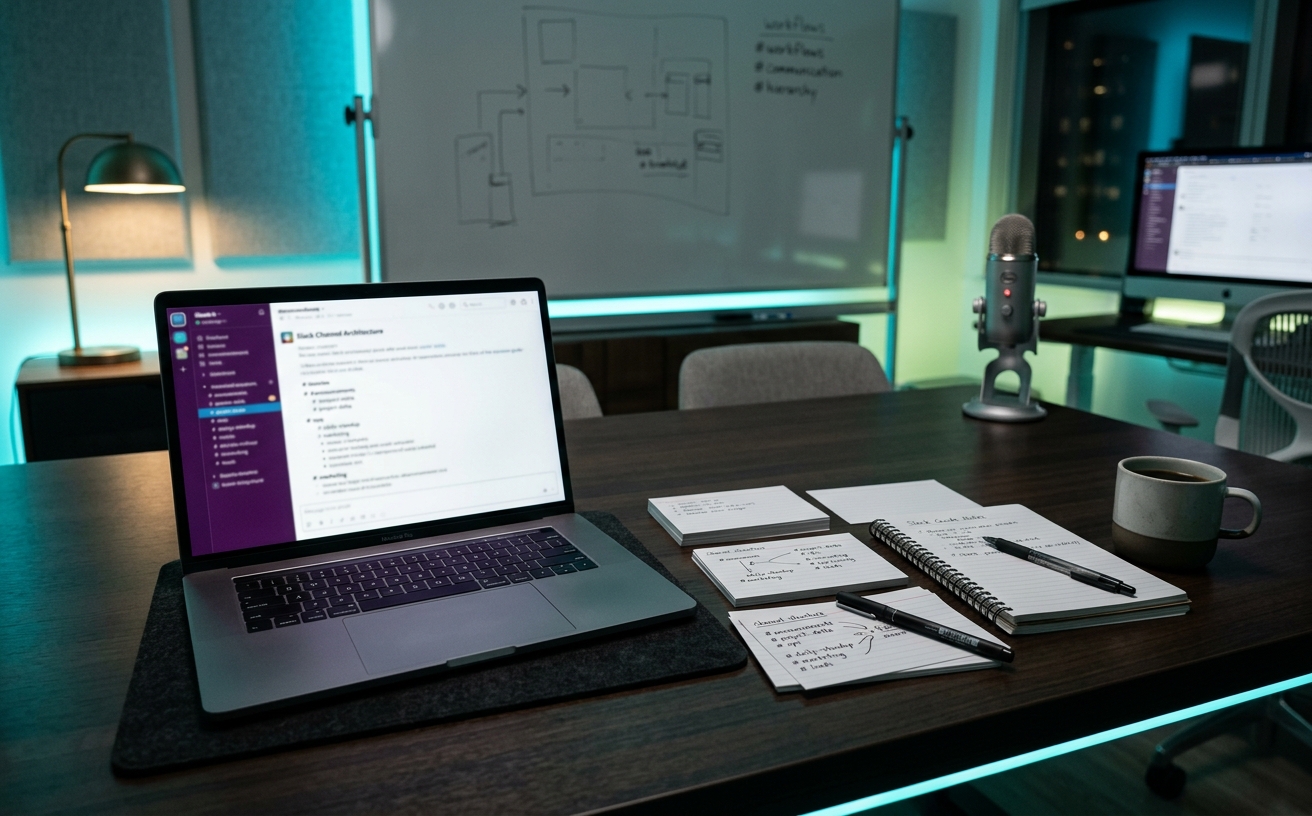
A small team’s Slack workspace usually begins as a quiet, functional room and slowly degrades into a chaotic transit hub. When every conversation happens in a handful of default channels, the resulting noise penalizes anyone who steps away for a deep work block, a client meeting, or a travel day. The architecture of your workspace dictates whether your team controls their communication or simply reacts to it. Building a resilient channel structure requires moving away from chronological dumping grounds and establishing specific, predictable spaces for distinct types of work. This decision guide outlines a framework designed for longevity, allowing a small team to maintain operational awareness without demanding constant, synchronous attention from every member.
The Prefix System for Predictable Sorting
The default alphabetical sorting in communication platforms creates immediate visual friction. When a workspace lacks a naming convention, a channel for a critical client deployment sits right next to a channel for lunch orders. Implementing a strict prefix system forces the sidebar to organize itself logically, grouping related work together regardless of the specific project name. This visual grouping reduces the cognitive load required to navigate the workspace, allowing team members to find exactly what they need without scanning a randomized list of clever but unhelpful channel names.
A foundational prefix taxonomy typically relies on four to five core categories. Use `prj-` for active, time-bound projects; `dept-` for permanent functional areas like marketing or engineering; `client-` for external communications; and `alert-` for automated system notifications. By enforcing this structure, you eliminate the ambiguity of where a conversation belongs. If a team member needs to discuss a specific deliverable, the `prj-` prefix immediately narrows their search, preventing project details from bleeding into general departmental channels where they might be overlooked by the relevant stakeholders.
The prefix system also dictates the lifecycle of a channel. Permanent prefixes like `dept-` remain indefinitely, while `prj-` channels carry an inherent expiration date. Once a project concludes, the associated channel must be archived. Archiving preserves the searchable history of the decisions made during the project while removing the channel from the active sidebar. This continuous pruning prevents the workspace from becoming an unnavigable archive of past work, ensuring that the visible architecture only reflects the team's current operational focus.
Separating Automated Alerts from Human Conversation
Integrating software tools directly into communication platforms provides valuable visibility, but it also introduces a high volume of mechanical noise. When GitHub pull requests, Jira ticket updates, or Stripe payment notifications flow into the same channels used for human conversation, they bury questions and disrupt complex discussions. Treating a channel as both a machine log and a meeting room guarantees that critical human inputs will be pushed off the screen by automated updates.
To resolve this, teams must isolate machine output into dedicated, prefixed channels, such as `feed-engineering` or `alert-sales`. These channels serve as searchable reference logs rather than interactive discussion spaces. By isolating the automated data, the primary departmental and project channels remain clear for actual collaboration, strategy, and decision-making. This separation ensures that when a team member reads a project channel, they are reading context provided by their colleagues, not a chronological list of software events.
Crucially, these automated alert channels should be muted by default for all team members. Muting prevents the constant visual distraction of bolded channel names and notification badges. Team members can check the alert logs proactively when they need specific information—such as verifying if a deployment succeeded or a payment cleared—rather than having their focus broken by a push notification for every minor software action. This practice protects deep work blocks while maintaining a comprehensive operational record.
Designing for Asynchronous Handoffs
Small teams frequently operate with overlapping roles and tight margins for error. When a team member travels, takes planned leave, or enters a prolonged focus block, their responsibilities often require temporary coverage. If requests and handoffs are buried in direct messages, the covering team member operates entirely in the dark. Designing for asynchronous handoffs means structuring channels so that the status of any ongoing task is visible to anyone who might need to step in.
This requires establishing dedicated request channels, such as `req-design` or `req-support`, rather than allowing team members to message individuals directly for favors or tasks. A request channel acts as a transparent queue. When a task is submitted to the channel, it is visible to the entire relevant department. If the primary designer is unavailable, the secondary designer can see the request, understand the context, and claim the task without needing access to their colleague's private messages.
To keep these request channels functional, teams must enforce strict threading rules. The main channel view should only display the initial requests. All subsequent clarification, execution details, and final delivery must occur within the thread attached to that specific request. This keeps the primary channel scannable as a clean list of open and closed tasks, preventing multiple simultaneous requests from intertwining and losing context in the main chat view.
The Role of the Watercooler and Social Spaces
Social chatter is a necessary component of team cohesion, particularly in remote or hybrid environments. However, when social conversations occur in the middle of active project channels, they dilute the operational utility of that space. A project channel must remain a reliable source of truth for that specific initiative. Mixing weekend plans or casual observations into a space meant for client deliverables forces team members to sift through irrelevant text to find critical updates.
Creating dedicated spaces with a `social-` or `watercooler-` prefix isolates casual conversation from operational work. This structural decision allows team members to engage in team building without compromising the efficiency of the workspace. More importantly, it gives individuals the agency to mute non-essential chatter during crunch times, tight deadlines, or periods of high stress, knowing they will not miss a critical project update by ignoring the social channels.
Leadership must set clear expectations regarding the use of these social spaces. They are strictly opt-in environments. Consequently, no critical company announcements, project decisions, or operational shifts should ever be communicated in a social channel. If a team member chooses to mute the watercooler for a month to focus on a major release, they should not incur any professional penalty or miss any information required to execute their job.
Defaulting to Public and Limiting Direct Messages
The most pervasive threat to a functional workspace architecture is the overuse of direct messages. Direct messages are information silos. When two team members make a decision in private regarding a shared project, the rest of the team loses the context behind that decision. This leads to repeated questions, duplicated effort, and a reliance on synchronous meetings to distribute information that should have been accessible to everyone from the start.
A resilient architecture requires a cultural shift toward a 'public by default' mindset. If a conversation involves work that affects the broader team, or if the resolution of a problem might be useful to someone else in the future, it belongs in a public, prefixed channel. Operating in public channels allows passive knowledge transfer; junior team members learn how problems are solved simply by observing the threaded discussions of senior staff, reducing the burden of formal training.
Naturally, certain information must remain restricted. Private channels, utilizing a `priv-` prefix, should be strictly reserved for human resources matters, financial data, sensitive management discussions, or confidential client negotiations. By limiting private channels to genuinely sensitive topics and pushing all standard operational work into the public sphere, the workspace becomes a comprehensive, searchable database of the company's collective intelligence.
Decision checklist
- Audit all existing channels and immediately archive any space that has seen no activity in the last forty-five days.
- Implement a strict, documented prefix naming convention (e.g., prj-, dept-, feed-) for all active and future channels.
- Move all automated software integrations into dedicated, muted feed channels, entirely separate from human discussion spaces.
- Establish a team-wide mandate that all project requests and handoffs must occur in public channels rather than direct messages.
- Pin a standardized document in the general channel outlining the exact purpose and expected response time for each channel category.
Who should skip this
Teams larger than fifty people who require enterprise-grade governance, complex user group permissions, or multi-workspace grid deployments should bypass this specific framework. This architecture relies on high-trust, low-friction adoption, which breaks down when managing distinct, heavily siloed departments that do not frequently interact or share operational context. Enterprise environments require more rigid access controls and automated lifecycle management tools rather than convention-based organization.
Maintenance note
Schedule a quarterly workspace audit to archive completed project channels, delete redundant social spaces, and verify that automated feeds are not broken. As small teams pivot, their communication needs shift rapidly; failing to prune dead channels results in a bloated sidebar that confuses new hires, dilutes the effectiveness of the search function, and undermines the structural logic of the prefix system.
The Connected Desk operates as an independent editorial entity. We do not accept payment for workspace software placement or architectural recommendations. If you purchase software subscriptions or consulting services through links in our guides, we may earn a commission, which directly funds our ongoing research, testing, and editorial operations.
FAQ
How do we handle channels for external clients?
Use a specific prefix like `ext-` or `client-` and utilize Slack Connect to bridge the workspaces. Keep internal deliberation out of these shared spaces entirely to maintain professional boundaries, using internal project channels to discuss the work before presenting it to the client.
Should we force everyone to use threads?
Yes, particularly in request and project channels. Threads keep the main channel view scannable and prevent multiple simultaneous conversations from intertwining. Without threads, a busy channel quickly becomes an unreadable wall of text, destroying its value as an asynchronous reference.
What do we do with the default General channel?
Restrict posting permissions in the General channel to workspace administrators. Use it exclusively for company-wide announcements, policy updates, and critical operational shifts. Keeping it free from daily chatter ensures that when a message appears there, the team knows it is mandatory reading.
How many channels is too many for a small team?
Channel count matters far less than channel clarity. Fifty well-named, specifically purposed channels are easier to navigate than ten vague channels where everyone dumps unrelated information. As long as the prefix system is maintained and dead channels are archived, a high channel count is not a liability.