workspace.system.initreader-first affiliate logic
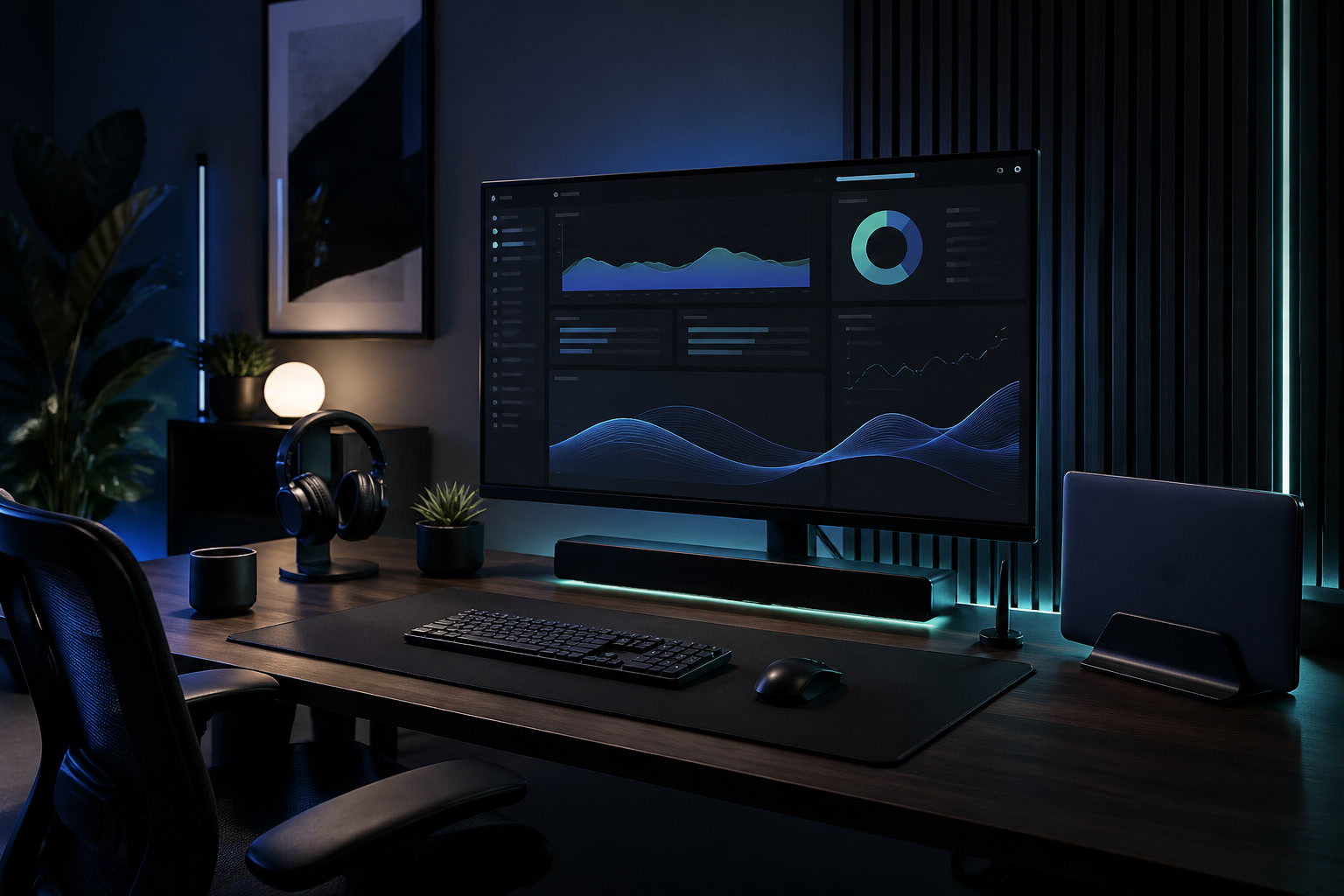
Connected desk workspace console with monitor, notebook, and work tools

Stop decorating the desk. Debug the work surface.

The Connected Desk treats a workspace like an operating system: screens, light, chair fit, audio, capture tools, handoffs, chargers, travel kit, and the daily reset loop. We recommend gear only after the system fault is visible.

72
decision pages
08
audit checks
04
operating modes
Systems map

Four operating modes. Different failures. Different purchases.

Instead of a generic article feed, the site routes readers by the way their desk breaks during real work.

Buying decisions

Commercial pages stay visible, but the logic is diagnostic.

Screen size, calendar blocking, room acoustics, and headphones are high-intent topics. They appear here because they resolve common workspace faults, not because they are easy affiliate slots.

Audit matrix

Find the friction before buying another object.

The audit is intentionally procedural: inspect the failure, change the cheapest constraint, then decide whether a purchase is justified.

Open audit sequence
01Screen height and viewing distance02Task light position and glare control03Input-device comfort through a two-hour block04Cable drag, charger reach, and power safety05Call audio before microphone upgrades06Storage path for tools used less than weekly07Notification boundaries and calendar recovery time08End-of-day reset that takes less than four minutes
Tool stack

Fix the broken layer.

Capture

Notes, inboxes, quick capture, and where loose thoughts land before they become work.

Plan

Calendar blocks, project lists, weekly reviews, and the minimum planning loop that survives interruptions.

Produce

Focus tools, writing environments, automation, keyboard/input choices, and the setup that actually ships work.

Coordinate

Calls, handoffs, shared knowledge, async updates, and meeting reduction.

Lab noteStanding Desk Trade-offs in Small Rooms

A workspace-ops note on standing desk trade-offs in small rooms, with attention to desk depth, setup friction, team reuse, and the small adjustments that still matter after the first week.

Decision guideMonitor Size for Split-screen Work

A desk audit for monitor size for split-screen work, focused on comfort, recovery time, shared-work constraints, and the details that reduce Monday-morning friction.

NewsletterSharper workspace notes by email.

Subscription requests use the newsletter page and stay honest about preview delivery.