Focus Station
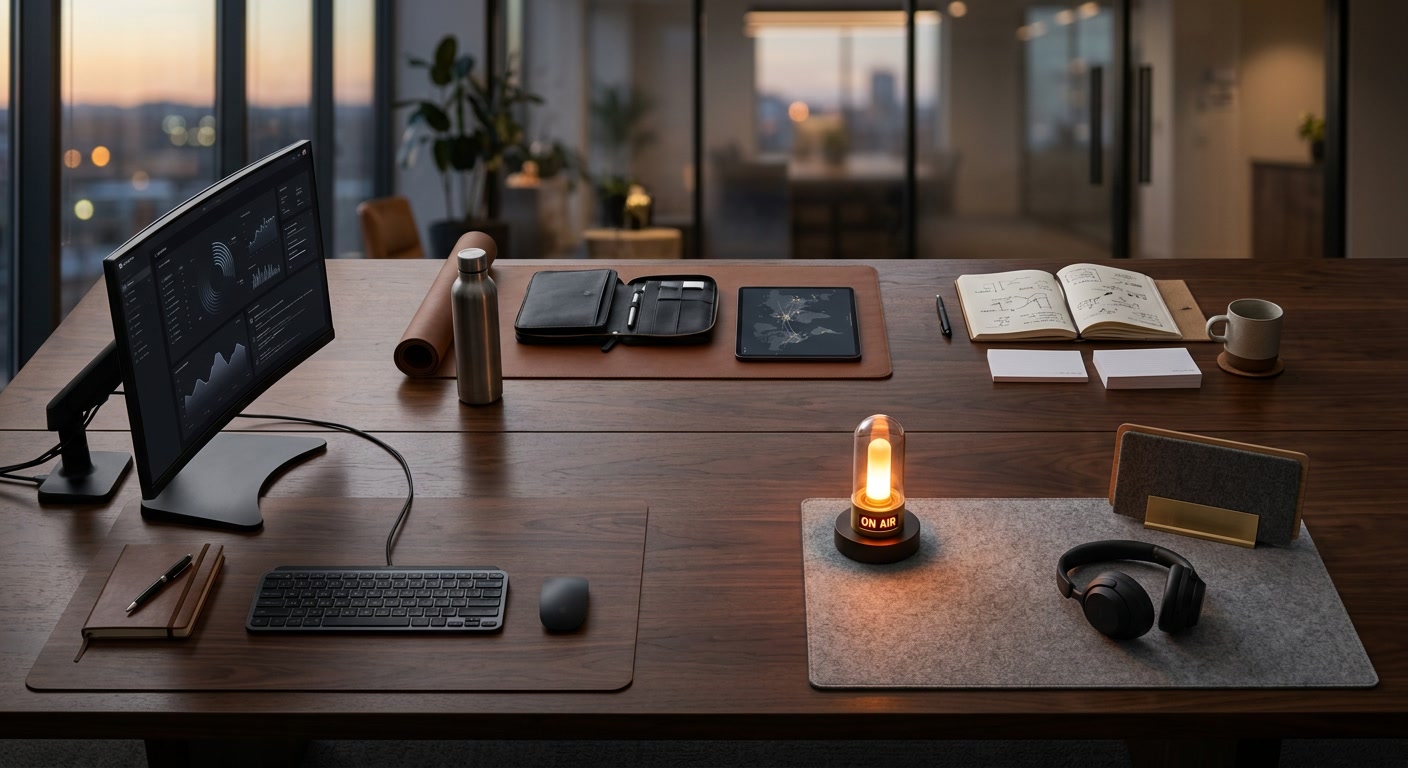
A desk zone built for long blocks: monitor distance, light, chair fit, cable drag, and interruption control.
- Screen distance and eye line
- Keyboard reach and wrist angle
- Task light glare
- Cable drag during deep work
 Systems
Each system combines gear, software, routines, and maintenance checks. Readers can choose the work mode that is failing first, then use the linked references only after the system is clear.
A good desk system is boring in the best way: the screen is already at the right height, the light works at night, the microphone is not fighting the room, and the tools used every day are reachable without creating a cable nest.
A desk zone built for long blocks: monitor distance, light, chair fit, cable drag, and interruption control.
Camera, light, audio, notes, and room behaviour tuned for repeated video calls without setup friction.
A travel and hybrid-work kit that keeps power, input, audio, and files predictable between places.
Shared workflows for handoffs, async updates, documentation, and fewer status meetings.
Start with the work mode that currently creates the most friction. If calls are embarrassing, open Call Station before buying a new chair. If deep work collapses every afternoon, open Focus Station before adding another productivity app. If travel days break the routine, open Mobile Station before upgrading the desk.
Each system is intentionally cross-category. That is what makes this different from a normal article archive: the reader is not forced to think in product categories first. The reader starts with the job the workspace has to perform.