Remote Routines for Mixed Meeting Days
A remote-work review of remote routines for mixed meeting days, looking at setup time, reliability, portability, and what breaks when the calendar gets crowded.
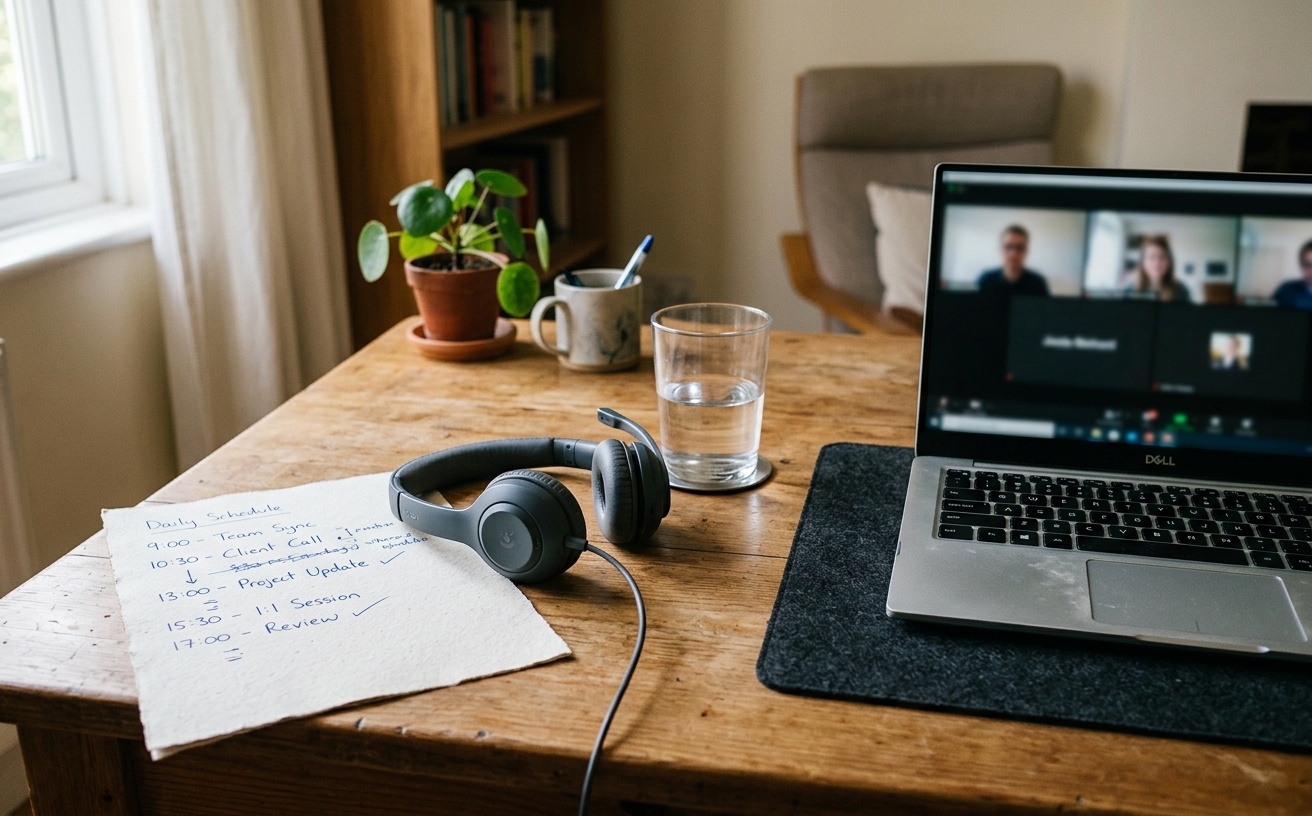
The modern remote schedule rarely offers the luxury of uninterrupted focus or the predictability of a pure meeting marathon. Instead, professionals navigate mixed meeting days—fragmented calendars where a ninety-minute deep-work block crashes directly into a mandatory team sync, followed by scattered administrative tasks and ad-hoc troubleshooting calls. The exhaustion experienced on these days is rarely just about the work itself; it is the result of decision friction. Every time you transition from a spreadsheet to a video call, you are forced to make micro-decisions about your physical posture, your software state, your audio routing, and your mental context. This guide outlines a systematic approach to workspace routines designed specifically to eliminate that friction. By establishing rigid environmental defaults and transition protocols, you can preserve your cognitive bandwidth for actual problem-solving, allowing you to sustain momentum even when your calendar demands constant context switching between collaborative communication and isolated execution.
The Architecture of Context Switching
The primary failure point on a mixed meeting day is the expectation that a single desk configuration can serve every type of work. When you attempt to write a complex proposal in the exact same physical and digital posture you use for a casual one-on-one video call, the lack of environmental distinction blurs the boundaries between tasks. To combat this, establish distinct physical states for your workspace using a motorized desk. Program memory preset one for seated, deep-focus work, and preset two for standing, high-energy video calls. Forcing a physical posture change creates a hard boundary between the passive consumption of a meeting and the active generation of independent work.
Digital environments require the same level of deliberate separation. Leaving your communication tools visible alongside your primary work applications introduces constant, low-level distraction. Utilize your operating system's native virtual desktop features to create strict digital zones. Desktop one should house only your primary execution tools—code editors, design software, or drafting applications. Desktop two becomes the communication hub, containing your email client, team chat, and video conferencing software. When a meeting begins, you physically swipe to the communication desktop; when it ends, you swipe back. This eliminates the friction of minimizing and maximizing dozens of overlapping windows.
The transition between these physical and digital states must become automatic. If you have to think about adjusting your desk height, moving your microphone, and hiding your inbox, you are burning cognitive fuel before the next task even begins. Tie these transitions to calendar alerts. When the five-minute warning for a meeting triggers, stand up, swipe to your communication desktop, and pull your microphone into position. This mechanical routine acts as a palate cleanser for the brain, signaling that the previous task is definitively paused and preparing you for the collaborative demands of the upcoming call.
Hardware States for High-Frequency Transitions
Audio routing is a notorious source of friction on mixed days. Fumbling with Bluetooth pairing or selecting the correct input device in the seconds before a call starts induces unnecessary stress. The solution is a hardwired, permanent audio state. Route a dedicated dynamic microphone and a pair of wired reference monitors or comfortable over-ear headphones through a physical audio interface. Set your operating system and all communication applications to default to this interface exclusively. By relying on physical dials for gain and volume rather than software menus, you ensure your audio is always ready, completely bypassing the software routing decisions that plague wireless setups.
Video and lighting configurations must follow the same principle of permanence. If you are adjusting a ring light or tilting a webcam before every call, your hardware is working against you. Mount your primary camera on a fixed arm positioned at eye level, and establish a baseline lighting setup using key and fill lights that remain plugged in and angled correctly. Connect these lights to a single smart plug or a physical switch on your desk. When a meeting is imminent, a single button press should illuminate your face perfectly, requiring zero adjustment regardless of the time of day or the ambient light in your room.
Display management is the final hardware component of a frictionless transition. On a mixed day, you frequently need to reference documents while maintaining eye contact on a call. Dedicate a specific zone on your primary monitor—ideally directly beneath the webcam—exclusively for the video conferencing window. Use window management utilities to snap the video feed to this exact coordinate every time a call launches. Reserve the peripheral areas of your displays for reference materials. This fixed spatial arrangement prevents the frantic dragging and resizing of windows that typically occurs when a screen-share begins.
The Post-Meeting Recovery Protocol
The minutes immediately following a meeting are the most critical for maintaining momentum. Without a protocol, it is easy to drift into passive email checking or lose the thread of the deep work you were doing prior to the call. Implement a strict, two-minute cognitive dump the moment the call disconnects. Do not leave the communication virtual desktop yet. Open a plain text editor or your preferred task manager and immediately log any action items, decisions made, or follow-up tasks generated during the meeting. Getting these items out of your working memory is essential for returning to a state of focus.
Once the cognitive dump is complete, execute a digital reset. Close any browser tabs, documents, or reference files that were opened specifically for the meeting. Leaving these artifacts scattered across your desktop creates visual clutter and decision friction for the rest of the day. If a document is needed for a future task, file it in the appropriate project folder or link it to your task manager, then close it. Your communication desktop should return to its neutral, baseline state before you transition back to your primary execution desktop.
The final step in the recovery protocol is the bridge back to deep work. Before you take a bio-break or step away from the desk to stretch, swipe back to your execution virtual desktop and identify the exact next physical action required for your primary task. Write it on a physical sticky note and place it on your keyboard. When you return to your desk five minutes later, you do not have to ask yourself what you were doing or where to start. The sticky note bypasses decision fatigue, allowing you to immediately resume execution.
Managing the Hybrid Travel Day
Mixed meeting days become exponentially more difficult when they coincide with travel or a hybrid office schedule. The lack of environmental control in a coffee shop, an airport lounge, or a corporate hot desk introduces massive friction. To counter this, you must build a portable anchor—a minimal, standardized kit that replicates your home office workflows. This kit should include a portable laptop stand to elevate your webcam to eye level, a dedicated wired headset with a boom microphone to isolate your voice from background noise, and a compact external mouse. Deploying this exact kit in the same spatial arrangement, regardless of your location, provides a familiar physical interface.
Power and connectivity are the primary variables you must control on the road. Relying on public Wi-Fi or hunting for wall outlets introduces unacceptable risk prior to a scheduled meeting. Your travel kit must include a high-capacity power bank capable of charging your laptop via USB-C, and a dedicated mobile hotspot or a tethering plan with a prioritized data tier. By treating external power and internet as fallbacks rather than primary sources, you eliminate the frantic troubleshooting that occurs when a coffee shop network drops three minutes before a critical client presentation.
Adapting your routines to hostile environments requires proactive communication and modified expectations. You cannot control the ambient noise of a train car or the visual distractions of an open-plan office. If you must take a meeting in a suboptimal environment, utilize aggressive software noise cancellation and blur your background by default. More importantly, adjust your deep work expectations. Use travel days for administrative tasks, reading, or outlining—tasks that require lower cognitive load and are resilient to interruption—rather than attempting complex, unbroken execution in a chaotic environment.
End-of-Day Maintenance for Tomorrow's Friction
A frictionless mixed meeting day begins the night before. The end-of-day shutdown routine is not just about logging off; it is about staging the workspace to absorb the shock of tomorrow's schedule. Begin with a hard stop. At a predetermined time, cease all execution tasks and transition into maintenance mode. Review your task manager, process any lingering notes from the day's meetings, and clear your physical inbox. This prevents the accumulation of unresolved tasks that create low-level anxiety and decision fatigue the following morning.
Next, stage the physical and digital desk. Close all applications, shut down your computer, and physically clear the desk surface of coffee mugs, loose paper, and peripheral clutter. Reset your motorized desk to your preferred morning starting height. If your first task tomorrow is deep work, leave the desk seated; if your first task is a stand-up meeting, leave it at standing height. When you walk into your office the next morning, the environment should dictate your first action, requiring zero setup or decision-making.
Finally, perform a calendar triage for the upcoming day. Look specifically for the collision points—the moments where a deep work block ends exactly as a meeting begins. If you spot back-to-back conflicts, proactively message colleagues to adjust meeting times by five or ten minutes to create transition buffers. Identify the most critical execution task for the day and block the time required to complete it. By mapping the terrain of tomorrow's mixed schedule in advance, you transform a chaotic, reactive day into a structured, manageable routine.
Decision checklist
- Program distinct sitting and standing desk heights tied specifically to execution tasks versus video calls.
- Create two permanent virtual desktops: one exclusively for deep work applications and one for communication tools.
- Route all audio through a physical interface to bypass software input selection and Bluetooth pairing friction.
- Implement a two-minute post-meeting cognitive dump to log action items before returning to deep work.
- Perform a nightly calendar triage to identify and buffer collision points between focus blocks and scheduled calls.
Who should skip this
Professionals with monolithic schedules—such as developers who experience unbroken days of coding, or managers who spend eight continuous hours in sequential meetings—will find these transition protocols overly complex. This system is specifically engineered for those who constantly oscillate between high-focus individual contribution and collaborative communication within the same workday.
Maintenance note
Workspace systems degrade without regular upkeep. Dedicate fifteen minutes every Friday afternoon to clear your computer's download folder, wipe down your physical desktop and peripherals, check for firmware updates on your audio interface and camera, and restock any physical supplies like sticky notes or pens. This weekly reset prevents minor technical glitches and physical clutter from compounding into major points of friction during a busy mixed meeting day.
The Connected Desk is reader-supported. We may earn a commission through links on our site when you purchase workspace hardware, software utilities, or ergonomic equipment recommended in our editorial guides.
FAQ
How do I handle sudden, unscheduled calls that interrupt a deep work block?
Treat unscheduled calls as immediate context switches. Use your physical triggers—stand up, swipe to your communication virtual desktop, and pull your microphone forward. The key is to leave your deep work desktop exactly as it is. Do not close your execution applications. Once the call ends, perform your cognitive dump, swipe back to your execution desktop, and use the visual cues you left behind to resume your previous task.
What if my company requires me to use a laptop screen as my primary camera source?
If you are forced to use a laptop webcam, elevate the laptop on a sturdy, fixed stand so the camera sits precisely at eye level, and use an external keyboard and mouse for actual work. Position the laptop stand directly between your external monitors. This ensures you maintain proper posture and eye contact during meetings without having to constantly reposition the laptop when transitioning back to execution tasks.
Is it necessary to stand during all video calls?
Standing is not strictly necessary, but changing your physical posture is highly recommended. The goal is to create a physical boundary between different types of work. If you prefer to sit during calls, consider changing your lighting, switching from speakers to headphones, or moving to a different chair. The environmental shift is what helps your brain transition out of deep work mode and into collaborative mode.
How do I manage decision fatigue when my calendar changes constantly throughout the day?
When a schedule is highly volatile, rely on rigid micro-routines rather than a rigid daily plan. You cannot control when a meeting is added or canceled, but you can control exactly how you start a meeting, how you end a meeting, and how you set up your software. By standardizing the mechanics of your workflow, you preserve your mental energy for adapting to the scheduling changes themselves.