Home-office Budget Allocation
An operations-minded guide to home-office budget allocation, separating useful workflow support from gear that only looks tidy in a photo.
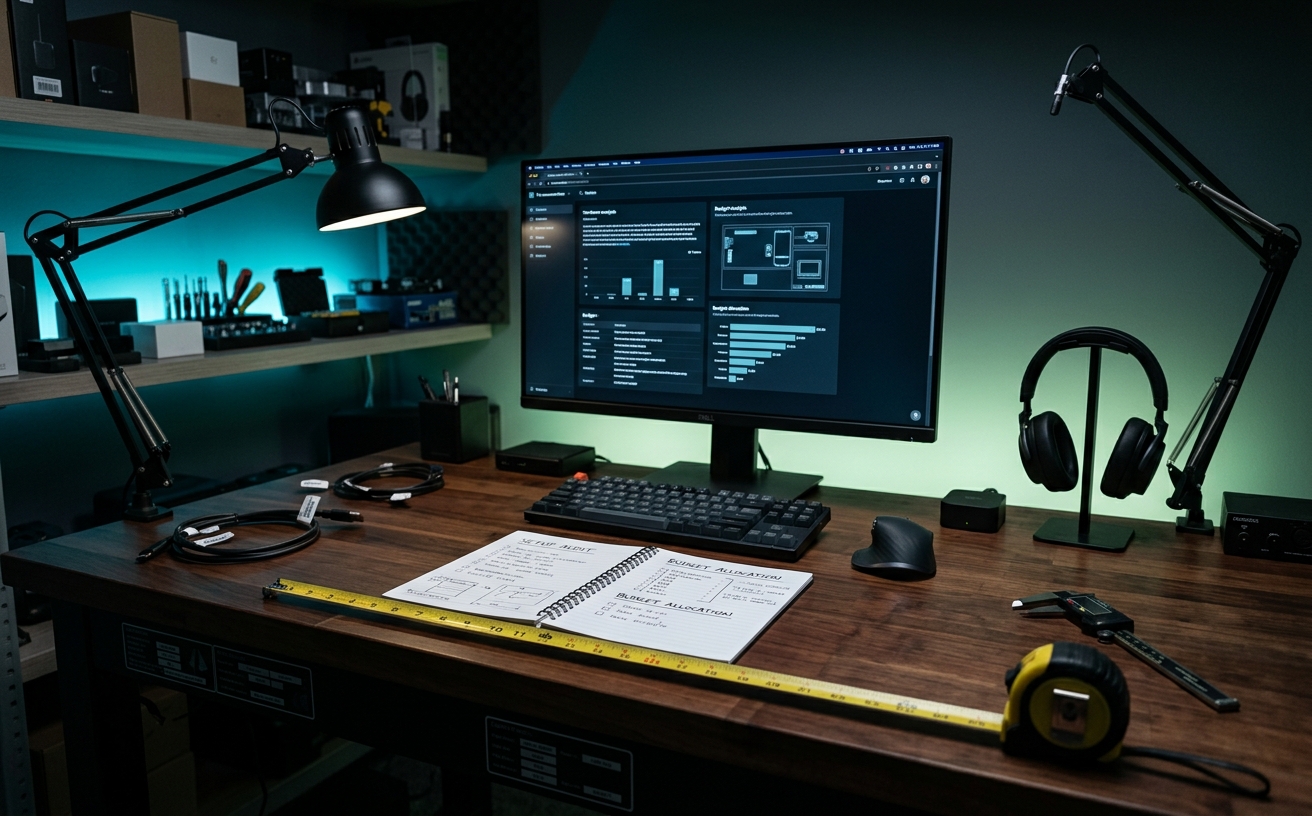
Most workspace budget advice focuses entirely on the initial checkout cart, treating the home office as a static installation rather than a mechanical system subjected to daily wear. True budget allocation requires calculating the maintenance cost and lifecycle of your equipment. A workspace must survive repeated transitions—shifting from deep focus blocks to video conferences, and recovering from the friction of packing and unpacking for travel days. When you allocate funds based solely on Day One aesthetics, you ignore the inevitable degradation of gas-spring monitor arms, the thermal wear on docking stations, and the mechanical failure of chair cylinders. This audit provides a framework for distributing your budget based on hardware longevity, repairability, and the hidden costs of keeping a high-use desk operational year after year.
The Ergonomic Core: Seating and Surfaces
The highest percentage of your budget should flow toward the mechanical components that bear your physical weight. Office chairs are high-friction items with specific failure points: pneumatic cylinders lose pressure, casters grind against flooring, and armrest pads degrade from skin oils. Allocating capital toward a chair with a ten-to-twelve-year warranty and readily available replacement parts is a protective measure against the recurring cost of replacing entire units every three years. The initial premium pays for modularity.
Standing desks introduce motorized failure points into the workspace. Budgeting for a desk requires evaluating the lifting columns. Single-motor systems utilizing a hex rod to drive both legs often suffer from uneven wear and eventual binding. Allocating funds toward a dual-motor frame with collision detection reduces the long-term maintenance burden. Furthermore, the stability of the frame at maximum height dictates your ability to type without monitor shake, a factor that directly impacts focus and fatigue during long sessions.
Desk surfaces represent a distinct budget category where material choice dictates the replacement cycle. High-pressure laminate resists scratches and moisture, making it a low-maintenance option for heavy daily use. Conversely, cheap wood veneers peel at the edges where your forearms rest, forcing premature replacement. Solid wood requires occasional oiling or refinishing—a minor maintenance cost in time, but one that allows the surface to last decades. Your budget allocation here should reflect your willingness to perform periodic surface maintenance.
Visual and Audio Infrastructure
Monitors are static, but their mounting hardware is dynamic. Budgeting for display support means choosing between gas-spring arms and mechanical tension arms. Gas-spring cylinders inevitably leak pressure over years of adjustments, eventually failing to hold heavier displays. Allocating a slightly higher initial budget to mechanical spring arms ensures consistent tension that can be recalibrated with a simple hex key, eliminating the need to replace the entire mounting system when the internal seals eventually degrade.
Workspace lighting is frequently underfunded, leading to the purchase of consumer-grade LED panels with proprietary, non-replaceable power supplies. When the power brick fails, the entire light becomes e-waste. A sustainable budget allocates funds toward lighting systems that utilize standard power delivery methods and standard mounting threads. This ensures that if a clamp breaks or a cable frays, you are replacing a minor component rather than reinvesting in the core lighting fixture.
Audio hardware allocation should prioritize modularity over integrated convenience. USB headsets combine headphones, a microphone, and a digital-to-analog converter into a single unit; if the battery dies or the headband snaps, the entire investment is lost. Diverting that budget toward a dedicated dynamic microphone with an XLR interface and separate studio headphones isolates your failure points. An XLR cable or a headphone pad can be replaced for a fraction of the cost of a new wireless headset.
Power Delivery and Cable Management
Power infrastructure is the most critical hidden maintenance cost in a home office. Uninterruptible Power Supplies (UPS) are not lifetime purchases; their internal lead-acid batteries degrade and require replacement every three to five years. Your budget must account for this recurring maintenance. Similarly, the metal oxide varistors inside standard surge protectors degrade every time they absorb a voltage spike. Allocating funds to replace your primary surge protection periodically is a necessary operational expense.
Cable management systems fail when users underfund the mounting hardware. Adhesive-backed clips and tape-mounted raceways inevitably succumb to the combined weight of heavy copper cables and the thermal cycling of the room. The adhesive dries out, dropping cables onto your feet. Proper allocation means investing in screw-mounted metal cable trays. While they require drilling into the desk surface, they represent a permanent solution that eliminates the recurring frustration and cost of reapplying failed adhesives.
Docking stations serve as the central nervous system of the desk, but they generate significant heat. High-bandwidth Thunderbolt docks subjected to dual-monitor output and continuous laptop charging will experience thermal stress. Budgeting for a premium dock with an aluminum chassis designed for passive cooling prevents the thermal throttling and premature port failure common in cheaper, plastic-housed hubs. This allocation protects your peripheral connections and ensures stable data transfer during critical work blocks.
Peripheral Wear and Tear
Keyboards absorb millions of physical impacts annually. Membrane keyboards degrade as the rubber domes lose their elasticity, requiring full replacement when a single key fails. Allocating your peripheral budget toward a mechanical keyboard with hot-swappable switch sockets changes the maintenance equation. When a switch begins to chatter or fail, you can pull it out and replace it individually. Furthermore, investing in PBT plastic keycaps prevents the shiny, worn texture that plagues cheaper ABS plastic over time.
Pointing devices harbor specific, predictable failure points. The mechanical switches under the primary mouse buttons are prone to double-clicking issues after heavy use, and the PTFE feet on the bottom of the mouse wear down, increasing physical friction. A proper budget accounts for these consumables. Purchasing a mouse designed with easily accessible screws allows you to clean the sensor lens, replace the internal battery when it stops holding a charge, and apply new glide skates to restore original performance.
Desk mats and wrist rests should be categorized strictly as consumable items, not permanent fixtures. Neoprene mats absorb sweat, dead skin, and coffee spills, eventually fraying at the edges despite careful washing. Gel wrist rests lose their structural integrity and flatten out. Rather than overspending on a luxury leather desk pad that requires meticulous conditioning, allocate a smaller, recurring budget to replace high-quality fabric mats annually, ensuring a consistently clean and smooth surface for your mouse.
The Travel-to-Desk Transition
The physical act of docking and undocking a laptop multiple times a week places severe mechanical stress on the device's USB-C ports. If your primary machine requires multiple cables to connect to power, displays, and peripherals, you accelerate this wear. Allocating budget toward a single-cable docking solution minimizes port friction. For users who travel heavily, investing in high-cycle rated cables or magnetic breakaway adapters can protect the laptop's internal motherboard from physical damage.
A common mistake in budget allocation is relying on a single set of chargers. Pulling your primary laptop charger out from behind your carefully managed desk tray every time you pack a travel bag destroys your cable management and introduces daily friction. A practical budget allocates funds for a dedicated, high-wattage travel charger that permanently lives in your backpack. This prevents the degradation of your desk setup and eliminates the risk of forgetting your power supply.
The transition from travel back to the desk requires physical staging areas. Laptops, bags, and travel peripherals need a designated drop zone to prevent them from cluttering the primary work surface. Allocating a small portion of the budget to heavy-duty wall hooks, under-desk storage mounts, or a dedicated side credenza protects the ergonomics of your main desk. Keeping the primary surface clear of transient travel gear ensures you can immediately begin focus work without clearing debris.
Decision checklist
- Verify the warranty duration and replacement part availability for your chair's pneumatic cylinder and casters.
- Confirm your monitor arm's weight capacity exceeds your display weight by twenty percent to prevent mechanical sag.
- Schedule a recurring calendar reminder every thirty-six months to audit and replace your UPS battery.
- Replace all adhesive-backed cable management clips with screw-mounted metal trays to eliminate re-installation.
- Purchase a dedicated secondary power adapter for your travel bag to maintain the integrity of your desk's cable routing.
Who should skip this
Professionals building a temporary workstation for a short-term lease or a brief remote contract do not need to optimize for multi-year maintenance. If you work primarily from a corporate office and only use your home desk for occasional weekend tasks or brief email triage, the mechanical degradation discussed here will take a decade to materialize. This allocation strategy is strictly for individuals who spend forty or more hours a week at their primary home workstation.
Maintenance note
Conduct a physical hardware audit quarterly. Tighten the hex screws on your monitor arms, check the standing desk lifting columns for grease buildup or binding, and inspect your surge protectors for fault indicator lights. Use compressed air to clear dust from your docking station's ventilation ports to prevent thermal throttling. Proactive physical maintenance extends the lifecycle of your hardware and delays the need to tap into your replacement budget.
The Connected Desk funds its editorial operations through affiliate partnerships. When you purchase workspace hardware through our links, we may earn a commission. This revenue model does not influence our lifecycle audits, hardware analysis, or maintenance recommendations.
FAQ
How should I split my budget between a desk and a chair?
Prioritize the chair, aiming for a sixty-forty split in favor of seating if forced to choose. A low-quality desk is functionally annoying and may wobble, but a low-quality chair causes cumulative physical damage to your spine and hips, resulting in medical costs that far exceed workspace budgets.
Are hot-swappable mechanical keyboards worth the initial premium?
Yes. The ability to replace a single failing switch for cents entirely alters the maintenance cost of the peripheral. With a soldered board, a single dead keycap switch often means throwing away a hundred-dollar piece of hardware. Hot-swappable boards are long-term investments.
Why do my under-desk cable management adhesives keep failing?
Adhesives fail due to a combination of gravity and thermal cycling. The ambient heat generated by power bricks and monitors warms the adhesive, softening it, while the physical weight of bundled copper cables pulls it downward. Mechanical fasteners like wood screws are the only permanent solution.
How often do I actually need to replace a surge protector?
Plan to replace standard surge protectors every three to five years. The internal components that absorb voltage spikes degrade silently with every minor surge. Eventually, they stop offering protection entirely, acting as a simple power strip and leaving your expensive hardware vulnerable to electrical damage.