Remote Call Quality Benchmark
A desk audit for remote call quality benchmark, focused on comfort, recovery time, shared-work constraints, and the details that reduce Monday-morning friction.
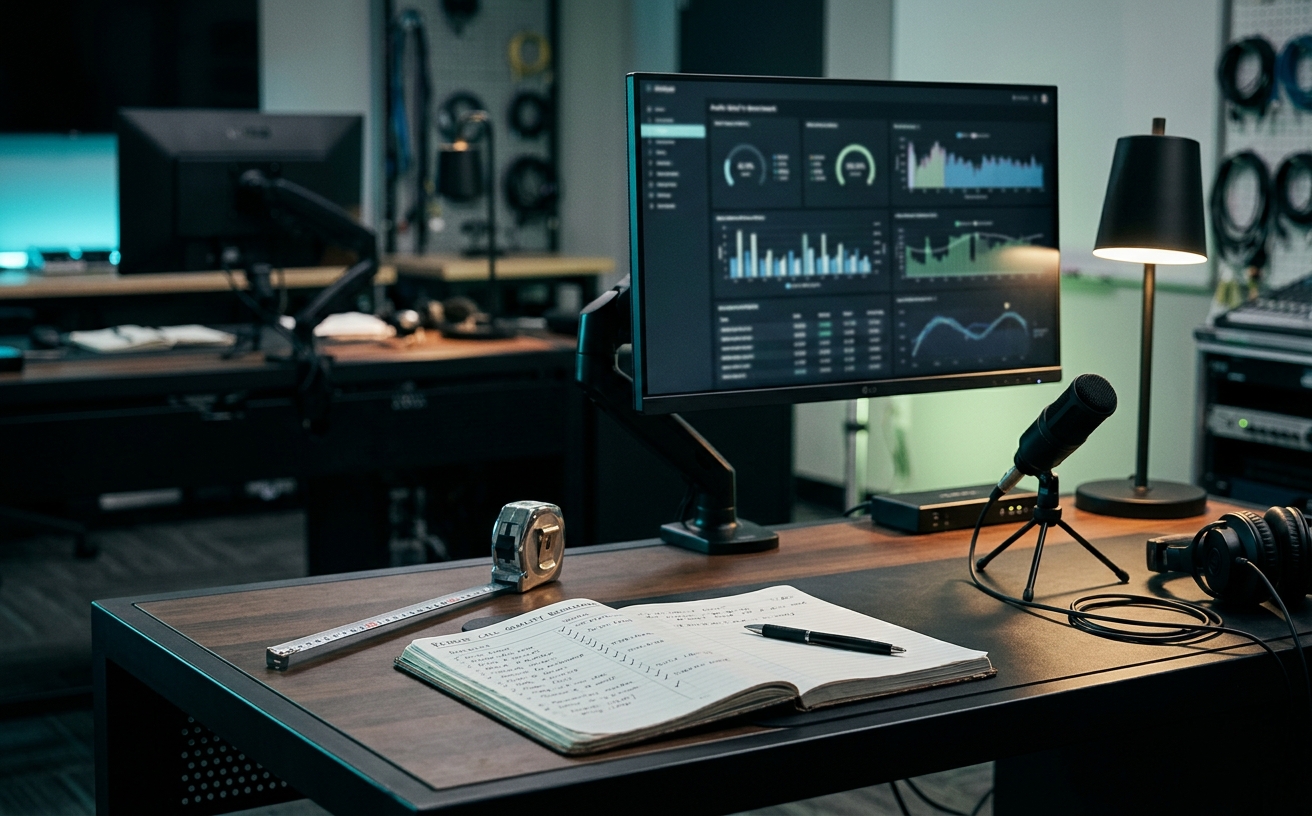
The pursuit of the perfect remote setup frequently devolves into an exhausting cycle of hardware comparisons, leaving professionals paralyzed by choice. You can spend weeks analyzing frequency response charts for microphones or debating the sensor sizes of mirrorless cameras, only to find that your daily meetings still feel chaotic and visually inconsistent. This benchmark is not a buyer’s guide designed to push you toward cinema-grade optics or studio-level audio interfaces. Instead, it is a practical framework for establishing a frictionless baseline—a standard of remote call quality that survives the reality of a nine-hour workday. We focus on the architectural decisions that allow you to transition seamlessly from deep, solitary focus blocks to high-stakes client presentations without adjusting a single setting. By prioritizing environmental control, network stability, and ergonomic readiness over raw hardware specifications, you can finalize your workspace infrastructure and get back to the actual work.
Defining the Audio Baseline Over Aesthetics
Professionals routinely waste weeks comparing dynamic and condenser microphones while entirely ignoring their room's acoustic reality. The true benchmark of remote audio quality is not an expansive frequency response, but the absolute absence of environmental distraction. When you transition from a deep focus block into a client presentation, the friction of adjusting gain staging, managing software noise gates, or apologizing for background clamor actively drains your cognitive reserves before the meeting even begins.
The standard to meet here is a physical signal-to-noise ratio that requires zero software intervention. Relying on platform-level noise cancellation introduces digital artifacts, clipping, and severe listening fatigue for the people on the other end of the call. A production-ready environment achieves clarity through physical proximity to the microphone capsule and basic boundary mitigation, ensuring your voice sounds identical on hour one and hour eight of a marathon meeting day, regardless of what is happening outside your door.
To lock in this benchmark, prioritize microphone placement mechanics over the microphone itself. A standard broadcast arm that holds the capsule exactly four to six inches from your mouth, combined with a heavy curtain or a single acoustic panel behind your monitor, solves ninety percent of audio friction. This allows you to sit down, pull the microphone into position, and speak, entirely bypassing the anxiety of wondering if your colleagues can hear the street traffic or the hum of your air conditioning.
Visual Clarity and the Lighting Hierarchy
Visual presence is frequently misunderstood as a mandate for cinema-grade optics, leading to a paralysis of choice regarding lenses, sensor sizes, and capture cards. The actual benchmark for professional video is consistent, predictable exposure that survives shifting weather conditions outside your window. If you have to adjust your camera settings or close a blind every time a cloud passes, your setup is creating friction, not eliminating it.
The foundational metric for remote video is a dedicated, diffused key light that overpowers ambient room lighting to establish a controlled baseline. When your primary light source is locked at a specific color temperature and output level, your webcam or mirrorless camera can remain on fixed, manual settings. This eliminates the distracting exposure hunting, auto-focus pulsing, and white balance shifting that plagues standard remote setups during long afternoon sessions.
Implementing this benchmark means positioning a broad, soft light source directly behind or slightly offset from your primary monitor. The goal is to illuminate your face evenly without causing eye strain during extended use. Once this lighting hierarchy is established, the specific camera hardware becomes secondary; a well-lit standard webcam will consistently outperform a poorly lit premium sensor, allowing you to focus entirely on the conversation rather than monitoring your own video feed.
Network Stability as the Ultimate Bottleneck
The most pristine audio and video setups are rendered useless by network instability, yet professionals routinely rely on volatile wireless connections for high-stakes conversations. The benchmark for remote connectivity is not peak download speed, but the total absence of packet loss and jitter. Intermittent audio dropouts, robotic voice artifacts, and frozen frames introduce severe conversational friction, instantly destroying the natural cadence of a collaborative meeting.
Achieving this standard requires acknowledging that Wi-Fi, regardless of the router's theoretical bandwidth or the price of your mesh system, is inherently susceptible to environmental interference. The benchmark demands a hardwired Ethernet connection from your primary workstation directly to the local network switch or router. This completely bypasses the unpredictable variables of wireless channel congestion, microwave interference, and physical obstructions that degrade signal integrity over the course of a busy workday.
For those who must operate wirelessly, particularly when moving between a home office and a corporate campus, the benchmark shifts to strict network management. This involves configuring dedicated quality of service rules on your routing hardware to prioritize real-time communication traffic over background cloud synchronization and software updates. By securing the data pathway, you remove the persistent anxiety of connection drops, allowing you to transition seamlessly from solitary deep work to collaborative sessions.
Ergonomics of the On-Air Transition
The physical mechanics of joining a remote call often involve a frantic series of adjustments: clearing desk space, repositioning monitors, plugging in peripherals, and checking framing. This pre-meeting scramble is a significant source of decision friction and stress. A professional benchmark requires an always-ready physical environment, where the transition from heads-down focus work to a live video feed requires no more than a single keystroke or a minor posture shift.
This standard dictates that your camera, microphone, and lighting must be permanently mounted and integrated into your workspace architecture. Desktop tripods that consume valuable surface area or ring lights that must be plugged in before each use violate this principle. By utilizing clamping mounts and dedicated cable management, your broadcast equipment hovers at the periphery of your workspace, instantly accessible but entirely out of the way when you are drafting documents or reviewing code.
Furthermore, the benchmark addresses the physical posture required for on-camera presence. Your primary monitor and camera lens should be aligned to promote an upright, engaged seating position that does not strain your neck over a sixty-minute call. When the physical environment supports both relaxed, deep-focus postures and alert, on-camera readiness without requiring you to completely reconfigure your chair and desk height, you have successfully eliminated the ergonomic friction of remote work.
Standardizing the Travel Kit
Maintaining a high standard of remote presence becomes exponentially more difficult when traveling. The friction of packing, deploying, and troubleshooting gear in unfamiliar hotel rooms often leads professionals to abandon their quality benchmarks entirely. However, the standard for a mobile setup should mirror the reliability of your primary office, scaled down to fit within a single organizational pouch in your carry-on luggage.
The mobile benchmark prioritizes modularity and universal compatibility over absolute fidelity. Instead of attempting to replicate a studio environment, the focus shifts to a dedicated directional microphone that rejects hotel HVAC noise and a compact, battery-powered LED panel to counteract terrible overhead lighting. These components must deploy in under two minutes, utilizing your laptop's existing ports without requiring a complex web of adapters, dongles, and external power supplies.
Crucially, this travel kit must be maintained as an independent system. If you have to dismantle your home office setup to pack for a trip, you introduce massive friction upon your return. By establishing a dedicated, permanently packed mobile kit, you ensure that your remote call quality remains consistently professional, whether you are dialing in from your primary desk or a temporary workspace halfway across the world, without ever disrupting your core infrastructure.
Decision checklist
- Hardwire your primary workstation to the local network to eliminate packet loss and jitter during critical conversations.
- Install a dedicated, diffused key light behind your monitor to establish a consistent exposure baseline independent of natural daylight.
- Mount your microphone on a mechanical arm to ensure exact, repeatable placement four inches from your mouth without consuming desk space.
- Configure your camera and audio interfaces to fixed, manual settings to prevent software from hunting for exposure or suppressing background noise.
- Assemble a separate, permanently packed mobile kit containing a directional microphone and compact light for travel, leaving your home setup intact.
Who should skip this
This benchmark framework is unnecessary for individuals whose remote work consists entirely of asynchronous communication or internal, camera-optional check-ins. If your daily routine does not involve client-facing presentations, high-stakes negotiations, or leading remote teams where vocal clarity and visual presence directly impact your professional authority, investing time and capital into standardizing your broadcast environment will yield diminishing returns.
Maintenance note
A standardized remote setup requires quarterly audits to remain frictionless. Dust accumulation on camera lenses, firmware updates for audio interfaces, and the gradual sagging of mechanical microphone arms can slowly degrade your baseline quality. Schedule a brief, recurring maintenance block to physically clean your equipment, verify that your fixed software settings haven't been overwritten by an operating system update, and test your travel kit batteries.
The Connected Desk funds its editorial operations through reader support. When you purchase workspace infrastructure or broadcast equipment through the links in our field notes, we may earn a commission. We do not accept payment for editorial placement.
FAQ
How do I measure my network's packet loss and jitter accurately?
Standard browser-based speed tests are insufficient for diagnosing real-time communication stability. Utilize a dedicated line quality test or command-line ping tools directed at your primary video conferencing server routing hubs over a sustained five-minute period. Look for jitter remaining under 30 milliseconds and zero percent packet loss to meet the professional benchmark.
Can I achieve the lighting benchmark if my desk faces a large window?
Facing a window provides excellent, massive diffusion, but it is entirely dependent on the weather and time of day. To maintain the benchmark, you must implement light control, such as blackout or heavy light-filtering blinds, and introduce your own dedicated key light. This ensures your exposure remains identical during a bright noon meeting and a dark late-afternoon wrap-up call.
Why shouldn't I rely on the noise cancellation built into video conferencing apps?
Software-based noise suppression relies on aggressive gating and frequency filtering, which inevitably clips the edges of your speech and introduces a harsh, robotic quality to your voice. By solving noise issues acoustically through microphone proximity and room treatment, you provide a full-spectrum, natural audio feed that significantly reduces listening fatigue for your audience.
Is a dedicated mirrorless camera necessary to meet the visual clarity baseline?
No. While a mirrorless camera offers superior depth of field and low-light performance, the benchmark is defined by consistent, well-lit exposure. A high-quality, dedicated webcam operating in a properly lit environment with locked exposure and white balance settings will easily meet the standard for professional remote presence without the thermal management and battery friction associated with mirrorless setups.