Productivity Tool Switching Cost
An operations-minded guide to productivity tool switching cost, separating useful workflow support from gear that only looks tidy in a photo.
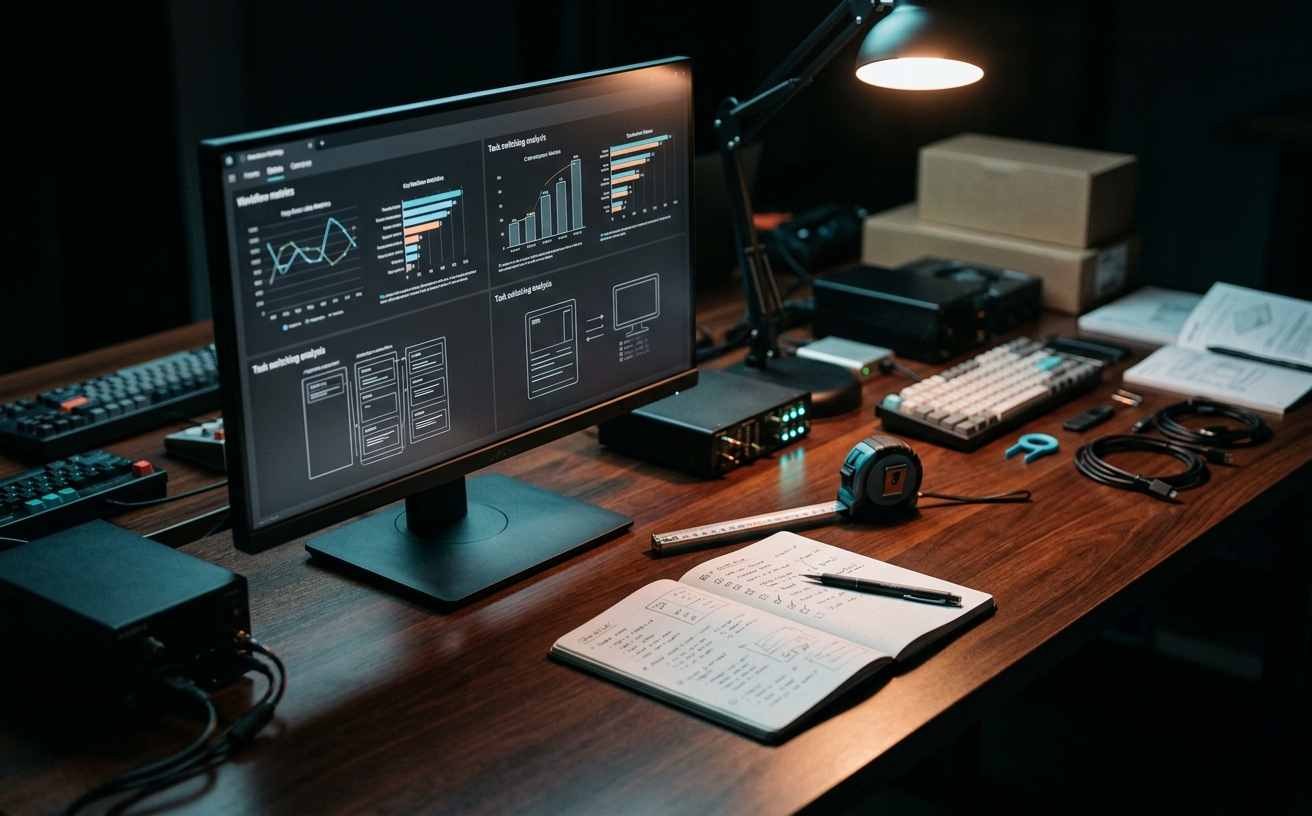
When your entire workspace occupies a 40-inch desk tucked into a living room alcove or a folding table in a multi-purpose room, every inch of physical and digital real estate demands justification. The concept of "switching cost"—the cognitive and temporal penalty incurred when moving between different applications, devices, or physical postures—becomes acutely visible in these constrained environments. Managing a dozen specialized productivity applications on a single laptop screen requires constant window management, creating a microscopic but compounding drag on your attention span. This friction multiplies during fragmented schedules filled with back-to-back video calls, isolated focus blocks, and hybrid travel days where your physical setup changes by the hour. Instead of evaluating productivity tools purely on their standalone feature sets, professionals operating in compact spaces must measure the integration tax: how much energy it takes to drag a project from a communication channel into a task manager, and finally into a drafting environment, without losing the thread of the work itself.
The Screen Real Estate Tax in Compact Setups
Operating within a compact physical workspace inherently limits your digital canvas. When your hardware setup consists of a single 14-inch laptop display—necessitated by a shallow apartment desk or a shared kitchen table—you cannot tile four applications side-by-side. Every time you need to reference a project brief in a browser while drafting an update in a messaging app, you are forced to minimize one window and maximize another. This constant shuffling creates a micro-delay in your workflow. Over the course of a standard workday, these seconds accumulate into a substantial cognitive tax, draining the mental energy required for actual problem-solving and deep work.
The proliferation of hyper-specialized productivity tools exacerbates this screen constraint. A modern professional might use separate applications for time tracking, task management, team chat, email, and document drafting. On a dual 27-inch monitor setup, these tools can coexist peacefully in peripheral vision. On a single screen, they stack on top of one another, turning your alt-tab keystroke cycle into a memory game. You are no longer just doing the work; you are managing the environment in which the work happens, which is a secondary job that yields zero professional output.
This friction becomes particularly disruptive during rapid transitions, such as moving from a dense project planning meeting directly into an independent focus block. If your meeting notes live in one ecosystem, but your execution tasks live in another, the simple act of translating decisions into actionable items requires toggling between interfaces. For users in small spaces, consolidating the tool stack is not just about software minimalism; it is a structural requirement to prevent window management from consuming the limited time allocated for actual execution.
Friction Between Communication and Execution
The sharpest switching costs occur at the boundary between communication tools and execution environments. Throughout a typical day, inputs arrive via email, Slack, Teams, or direct messages. Extracting a complex request from a chat thread and moving it into a dedicated task manager requires copying text, downloading attached assets, and re-establishing the context in a new window. When working from a cramped desk where you cannot easily lay out physical reference papers, your screen must handle all context retention. Every application boundary you cross introduces the risk of dropping crucial details.
This separation creates a phenomenon known as context fragmentation. When a client asks a question about a specific deliverable, you must leave the communication app, open the project management tool, locate the specific file, find the answer, and return to the chat to reply. In a constrained workspace, this sequence often means losing your place in the original conversation. The mental effort required to hold the client's question in your working memory while navigating a completely different software interface is a primary driver of afternoon fatigue.
Reducing this specific switching cost requires intentional system design. It involves selecting tools that either deeply integrate with one another or choosing unified platforms that handle both project tracking and internal communication. By eliminating the gap between where work is discussed and where work is tracked, you reduce the number of times you must rebuild your mental context. This is especially critical when you have only thirty minutes between meetings to execute a task; you cannot afford to spend ten of those minutes just gathering the necessary digital materials.
Hardware Transitions and Hybrid Travel Days
For professionals operating in small spaces, the workspace is rarely static. You might start the morning at a compact bedroom desk, migrate to a coffee shop for a change of scenery, and finish the day working from an airplane tray table. Each physical transition carries a hardware switching cost. If your productivity system relies heavily on specific external peripherals—like a specialized macro keyboard or a dedicated secondary monitor—your efficiency plummets the moment you disconnect from them. A robust productivity stack must function seamlessly regardless of the physical hardware available.
Cloud synchronization introduces another layer of friction during travel days. Moving between environments often means relying on unstable mobile hotspots or congested public Wi-Fi networks. If your workflow involves heavy, desktop-bound applications that require constant server handshakes to save progress, a dropped connection completely halts your momentum. Evaluating a tool's switching cost must include an assessment of its offline capabilities. The ability to open a laptop on a train, immediately access cached project files, and continue drafting without waiting for a synchronization sequence is a critical metric for hybrid workers.
Standardizing the digital environment across different form factors minimizes this transition penalty. If you use a tablet for reading briefs on a flight and a laptop for drafting responses at your desk, the interfaces of your core tools should be nearly identical across both operating systems. Forcing your brain to remember different swipe gestures, keyboard shortcuts, or menu layouts for the exact same application depending on the device you are holding adds unnecessary cognitive load. The goal is to make the software fade into the background, regardless of the screen size.
The Hidden Cost of Routine Digital Maintenance
Every application in your productivity stack requires ongoing maintenance. Software updates, database indexing, folder organization, and periodic security authentications consume time. When your workflow spans six different platforms, your maintenance burden scales linearly. In a small home office where physical clutter is ruthlessly managed to maintain a calm environment, digital clutter often goes unnoticed until it begins to slow down your machine or your mind. Spending two hours every Sunday just organizing files across disparate cloud drives is a direct consequence of ignoring tool switching costs.
Notification management is a particularly aggressive form of maintenance. Each specialized tool comes with its own default alert system, competing for your attention. On a single laptop screen, a persistent badge icon or a slide-in banner from a secondary app instantly derails a focus block. Configuring, muting, and managing these interruptions across multiple platforms requires constant vigilance. The friction here is not just the time spent clicking away the notification, but the twenty minutes it takes to return to your previous state of deep concentration.
Establishing a unified triage system is the most effective defense against maintenance sprawl. By routing all incoming data—whether it is a downloaded PDF, a clipped web article, or a forwarded email—into a single digital inbox, you contain the mess. Instead of organizing information at the point of capture, which breaks your current workflow, you batch process the inbox during a dedicated maintenance window. This approach treats your constrained digital workspace with the same respect as a small physical desk: you only keep out the tools you are actively using, and everything else is filed away systematically.
Evaluating the All-in-One vs. Modular Approach
The tension between an all-in-one platform and a modular, best-in-class stack is the central dilemma of workspace design. All-in-one tools promise to eliminate switching costs entirely by housing your notes, tasks, databases, and calendars within a single window. For users with severe screen real estate constraints, this is highly appealing. You can link a meeting note directly to a project timeline without ever touching the alt-tab keys. The physical relief of staying within one interface for hours at a time cannot be overstated for those working on 13-inch displays.
However, the monolithic approach carries its own compromises. Applications that attempt to do everything rarely do any single thing perfectly. A unified tool might offer task management, but lack the granular recurring due dates found in a dedicated task app. It might offer document drafting, but lack the robust offline support of a native word processor. When a tool's internal friction—such as slow load times or clunky formatting—exceeds the switching cost of using a separate, specialized application, the all-in-one advantage collapses. You end up trading window management friction for interface frustration.
Ultimately, building a sustainable system requires mapping your specific workflow bottlenecks. If your primary struggle is losing context between client emails and project tasks, consolidating those two functions is worth the compromise in features. If your work relies on highly specific formatting or complex data processing, you must accept the switching cost and optimize your window management strategy instead. The most effective small-space setups usually involve a hybrid approach: a single, central hub for tracking and planning, paired with two or three specialized tools reserved strictly for execution.
Decision checklist
- Audit your alt-tab cycle during a standard one-hour focus block to identify unnecessary app switching and redundant software.
- Consolidate your capture mechanisms so all meeting notes, web clippings, and quick ideas route to a single digital inbox.
- Disable desktop notifications for all secondary tools to prevent forced context switching when working on a single monitor.
- Standardize your file naming conventions across all platforms to reduce search friction when moving between different applications.
- Map out your specific workflow for transitioning a project from a video call discussion into a tracked task to locate points of friction.
Who should skip this
Professionals with expansive multi-monitor setups who rely on highly specialized, industry-specific software—such as 3D rendering engines, complex video editing suites, or massive financial modeling platforms—where the performance benefits and feature depth of dedicated applications far outweigh the cognitive friction of switching between them.
Maintenance note
Set aside fifteen minutes every Friday afternoon to clear out your digital downloads folder, process your unified task inbox, and close out unnecessary browser tabs, ensuring your constrained digital workspace is entirely reset and decluttered before the next work week begins.
The Connected Desk operates independently. If you purchase hardware, software subscriptions, or workspace accessories through links in our editorial content, we may earn a commission to support our publication, though this never influences our workspace methodology or tool evaluations.
FAQ
How do I measure my own tool switching cost?
Track the number of applications you open to complete a single routine task, such as processing a client invoice or drafting a weekly report, and time how long the transition between those applications takes. Multiply that time by the frequency of the task to find your weekly cognitive tax.
Does using a single comprehensive app actually save time?
It reduces window management and search friction, which is highly beneficial on small screens, but you may lose the specialized efficiency of dedicated applications. It is always a tradeoff between maintaining focus and accessing deep feature sets.
How should I handle tools mandated by my employer?
Isolate employer-mandated tools to a specific virtual desktop or a separate browser profile. This keeps your personal execution environment entirely separate, helping you maintain clean digital boundaries during independent focus blocks.
What is the best way to manage reference materials on a single laptop screen?
Utilize split-screen window management utilities to lock your primary drafting tool to two-thirds of the screen while keeping reference documents in a narrow vertical column on the remaining third, minimizing the need to toggle windows.