Minimal Desk Setup for Deep Work
Field notes for minimal desk setup for deep work: what changes during calls, handoffs, travel days, and long focus blocks, without turning the desk into a showroom.
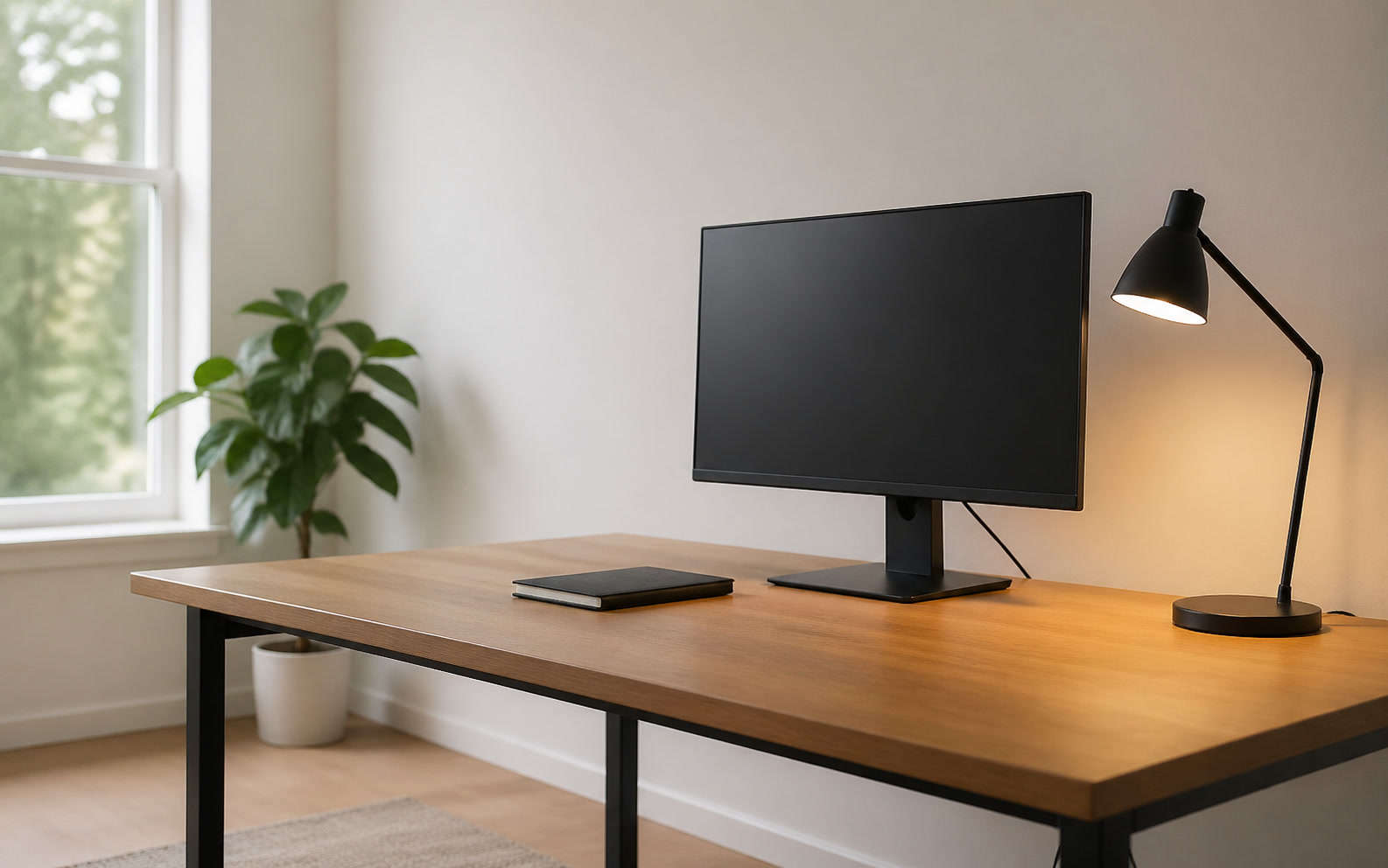
The modern knowledge worker’s desk is often a physical manifestation of their calendar: cluttered, fragmented, and optimized for constant communication rather than concentrated output. For teams trying to secure meaningful deep work blocks between relentless video conferences and travel days, the physical workspace requires a deliberate reduction in friction. A minimal desk setup is not a design aesthetic; it is an operational strategy to lower cognitive load. When an organization standardizes a streamlined physical environment, it gives employees the immediate capacity to transition from a high-stimulation meeting state into focused production without spending fifteen minutes wrestling with cables, clearing paper, or adjusting peripherals. This brief outlines how to deploy a high-focus, low-friction workspace standard across your team.
The Economics of Visual Processing
Visual clutter directly competes for the same neural resources required for complex problem-solving. When a desk surface is covered in charging cables, loose paper, and redundant hardware, the brain continuously processes these objects in the peripheral vision, draining executive function. For a team expected to deliver high-quality code, strategic planning, or complex design, this ambient distraction acts as a persistent tax on their attention span. Removing non-essential items from the primary work surface is the most immediate way to recover that lost bandwidth.
Standardizing this minimal approach across a department changes the baseline expectation of what a workstation should look and function like. Instead of treating the desk as a storage unit for office supplies, teams should treat it as a staging area for the specific task at hand. This requires a shift in procurement, moving away from issuing multiple small accessories and toward investing in fewer, higher-quality integrated tools. The goal is a blank slate that demands nothing of the user until they introduce a specific piece of work.
The true test of a minimal setup is the transition period immediately following a demanding meeting. When an employee signs off a tense strategy call, their physical environment should actively support a drop in cortisol and a shift toward deep focus. A clear desk surface, supported by a single high-resolution display and a comfortable input method, provides a physical cue that the communication phase is over and the production phase has begun. This environmental signalling is critical for maintaining momentum throughout a fragmented workday.
Core Hardware Standardization
The foundation of a minimal, team-wide desk standard is the single-cable docking architecture. Whether utilizing Thunderbolt 4 or USB-C protocols, the objective is to reduce the connection process to a single physical action. This single cable must deliver power, route display signals, and connect all necessary peripherals. When team members move from a conference room back to their primary desk, or return from a week of travel, they should not have to reconnect separate power bricks, HDMI cables, and USB hubs. The friction of reintegration must be zero.
Monitor selection plays a crucial role in maintaining a clean visual field. For deep work, a single ultrawide display often outperforms dual-monitor configurations by eliminating the central bezel and reducing the footprint on the desk. Regardless of the panel choice, mounting the display on a mechanical VESA arm is non-negotiable for a minimal setup. Monitor arms reclaim the physical space directly beneath the screen, which is typically the most valuable real estate on the desk, while also allowing precise ergonomic adjustments for different team members sharing a space.
Input devices should follow the same principle of reliable integration. Wireless mechanical keyboards and precision mice reduce cable clutter, but they introduce the variable of battery management. Organizations deploying wireless peripherals must standardize on devices that can hold a charge for several weeks and charge via the same USB-C standard as the primary laptop. The hardware should fade into the background; if an employee has to spend ten minutes troubleshooting a Bluetooth connection before starting a focus block, the minimal setup has failed its primary objective.
Managing the Meeting-to-Focus Transition
A significant challenge for modern teams is the physical overlap between communication hardware and deep work hardware. Microphones, webcams, and ring lights are essential for remote collaboration, but they act as visual noise during focus blocks. A proper minimal setup incorporates these tools in a way that allows them to be easily stowed or pushed out of the visual field. Boom arms for microphones and low-profile webcam mounts ensure that broadcasting equipment is available instantly for a call, but absent from the primary sightline when writing or coding.
Acoustic control is an often-overlooked component of the physical desk setup, particularly in open-plan offices or shared home environments. A minimal visual field is easily compromised by a chaotic auditory environment. Equipping the team with high-fidelity active noise-canceling headphones is a standard requirement, but organizations should also consider the acoustic properties of the desk area itself. Dense desk mats and localized acoustic panels can reduce sound reflection, creating a quieter, more isolated micro-environment that signals to the brain that it is time to concentrate.
Lighting serves as one of the most effective environmental triggers for deep work. While flat, bright, front-facing illumination is necessary for video calls, it is fatiguing during extended periods of focused screen time. A minimal desk setup should include dedicated, asymmetrical task lighting that illuminates the desk surface without causing screen glare or shining directly into the user's eyes. Shifting from broad room lighting to focused task lighting helps narrow the user's field of vision, physically boxing them into their current objective.
The Mobile-to-Desk Reintegration
For teams that travel frequently or operate on hybrid schedules, the desk setup must accommodate constant arrival and departure. The minimal desk is highly effective here because it relies on a drop-and-work philosophy. There are no complex docking stations to configure or multiple adapters to locate. The physical space is designed to accept the mobile worker instantly, allowing them to transition from working on an airplane tray table to a fully ergonomic workstation without a loss of productivity or a frustrating setup period.
Cable management in this context is not about aesthetics; it is a strict operational requirement. Cables that slip behind the desk or tangle around monitor arms create immediate friction for a returning worker. Under-desk cable trays, integrated routing channels within monitor arms, and weighted cable catches on the desk surface ensure that the single connection point is always exactly where the user expects it to be. This predictability is essential for maintaining a low-stress environment.
Personal storage must be handled deliberately to prevent the desk surface from accumulating the detritus of travel. Backpacks, travel adapters, and physical notebooks need designated homes that are off the primary work surface but easily accessible. Mobile pedestal drawers or dedicated shelving adjacent to the desk allows team members to unpack their travel gear without contaminating the minimal workspace. The desk remains a tool for active work, not a landing pad for luggage and receipts.
Scaling Minimalism Across the Organization
Deploying a minimal desk standard across an entire team requires clear procurement guidelines. IT and facilities departments must stop offering a fragmented catalog of minor accessories and instead provide a curated list of approved, highly integrated hardware. This means specifying exact models of monitor arms, single-cable docks, and wireless peripherals that are known to work seamlessly together. By reducing the number of variables in the hardware ecosystem, organizations drastically reduce support tickets and ensure a consistent experience for every employee.
While standardization is critical, a successful deployment must allow for controlled personal variation. Employees have different ergonomic needs and workflow preferences. The minimal framework should dictate the core architecture—the single cable, the suspended monitor, the clear desk surface—while allowing individuals to choose their preferred input devices or ergonomic seating. This balance ensures that the setup remains highly functional and uniform in its low-friction design, without feeling overly sterile or restrictive to the end user.
Ultimately, the value of a minimal desk setup is measured by its impact on team output and well-being. Organizations should monitor the frequency of hardware-related support requests and solicit feedback on the ease of transitioning between different work modes. When implemented correctly, a minimal workspace standard reduces the ambient stress of the workday. It provides employees with a reliable, distraction-free zone that respects their attention and actively facilitates the deep, uninterrupted work that drives the most value for the business.
Decision checklist
- Deploy single-cable Thunderbolt or USB-C docking to eliminate connection friction.
- Mount all primary displays on mechanical VESA arms to reclaim the desk surface.
- Install asymmetrical task lighting to reduce eye strain and narrow visual focus.
- Route all power and peripheral cables through under-desk management trays.
- Provide off-desk storage solutions for travel gear and physical reference materials.
Who should skip this
Professionals who rely heavily on simultaneous physical and digital reference materials—such as architects reviewing large-format blueprints, hardware engineers testing physical prototypes, or legal teams managing extensive paper case files—will find a strict minimal setup counterproductive. These workflows require expansive, dedicated surface area for physical artifacts, and attempting to force them into a clean-desk paradigm will only introduce operational bottlenecks.
Maintenance note
A minimal desk requires a strict end-of-week reset protocol to remain effective. Every Friday afternoon, team members should clear all non-essential items from the desk surface, wipe down the primary work area, verify that the single-cable connection is properly seated in its catch, and place all wireless peripherals on their respective chargers. This ten-minute routine ensures the workspace is immediately ready for deep work on Monday morning.
The Connected Desk operates independently. We may earn a commission from commercial links to specific hardware vendors, monitor arms, or docking solutions mentioned in our deployment guides, which supports our ongoing editorial research.
FAQ
How do we handle employees who request dual monitors in a minimal setup?
Standardize on a single ultrawide display (34-inch or larger) as the default. It provides the same screen real estate as dual monitors without the central bezel, requiring only one power cable and one display connection, which significantly reduces desk clutter.
Does a minimal setup mean eliminating all personal items from the desk?
No. The goal is removing operational clutter, not personality. One or two deliberate personal items are fine, provided they do not interfere with the primary work surface, cable routing, or the physical space needed for input devices.
What is the most common failure point when teams adopt this standard?
Inadequate cable management. If IT provides minimal hardware but fails to install under-desk trays and routing channels, the cables will inevitably sprawl across the desk, defeating the entire purpose of the initiative.
How should we manage laptops when using external displays?
Implement vertical laptop stands. Running the laptop in clamshell mode (closed) and storing it vertically reclaims significant desk space and removes the distraction of a secondary, smaller screen during deep work blocks.