Task Lighting for Video Meetings
An operations-minded guide to task lighting for video meetings, separating useful workflow support from gear that only looks tidy in a photo.
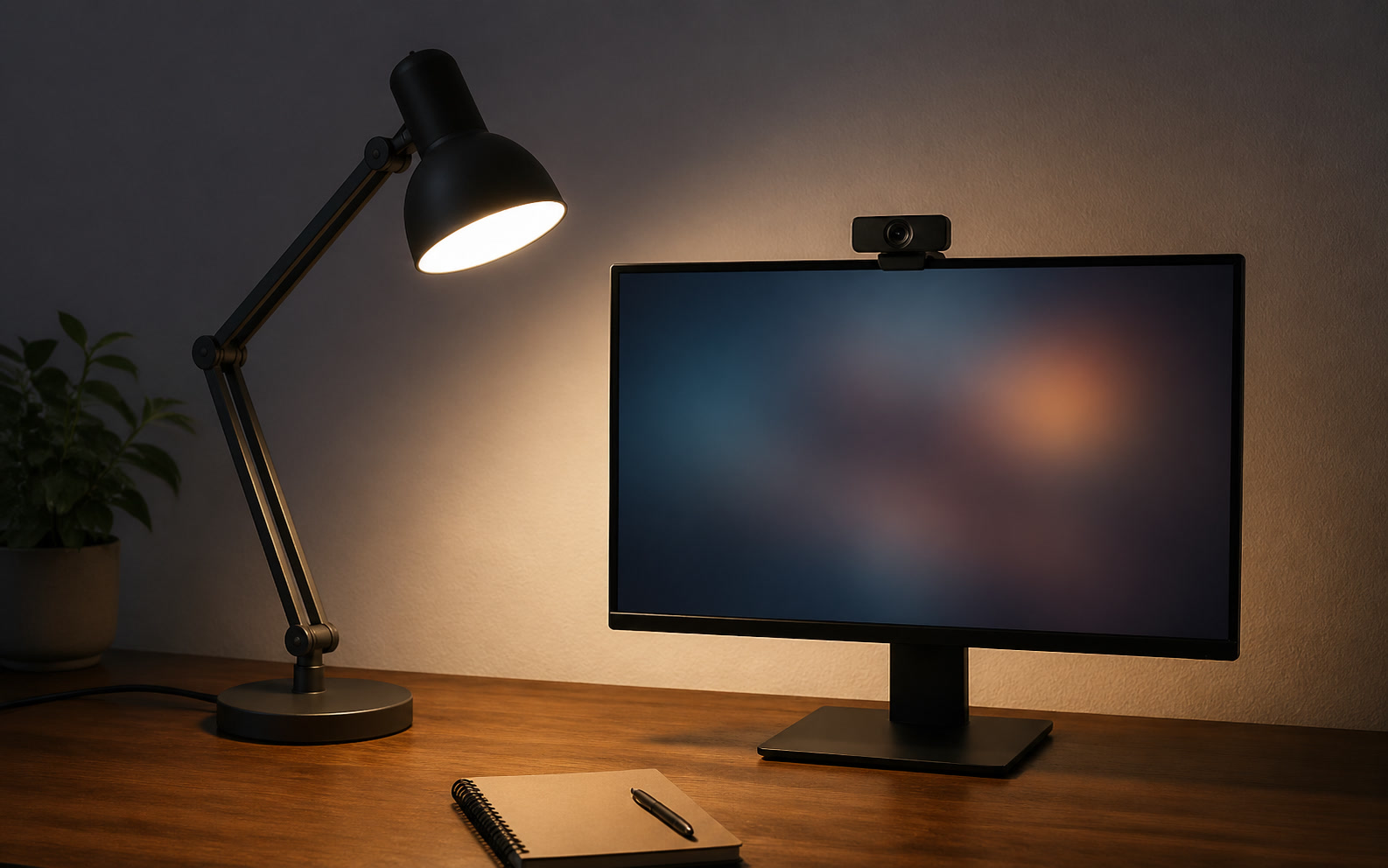
The standard approach to workspace lighting assumes that professional video calls require the same hardware used by full-time broadcasters. This assumption populates home offices with massive LED panels, sprawling articulating arms, and complex software controllers. However, the requirements of a standard professional are fundamentally different. You do not need to light a green screen; you need to illuminate your face clearly for an hour, turn the light off, and immediately transition into a three-hour block of deep focus work without a massive fixture blocking your primary monitor. Evaluating task lighting for video meetings requires looking past peak lumen output and examining the maintenance cost. This encompasses the physical footprint on your desk, the cognitive friction of daily software adjustments, the structural strain on your mounting hardware, and the biological toll of staring into bright diodes. A sustainable lighting architecture must operate reliably across repeated meetings, travel days, and ordinary desk maintenance without demanding constant recalibration.
The Thermal and Spatial Footprint of Key Lights
The most common recommendation for video illumination is a large, high-output LED panel mounted on an articulating arm. While these provide excellent, soft light, they exact a heavy spatial tax on your desk architecture. A standard broadcast panel requires a heavy-duty C-clamp, which competes for limited grommet space or rear desk edge real estate alongside monitor arms and microphone booms. Furthermore, moving a large panel out of your peripheral vision for deep work requires constant manipulation of the arm. Over months of daily movement, the friction joints in these arms inevitably loosen, requiring regular maintenance with hex keys to prevent the heavy light from sagging toward your monitors.
Beyond the physical footprint, high-output panels introduce a thermal maintenance cost. Operating a large LED array generates localized heat. While modern fixtures utilize aluminum heat sinks rather than fans to remain silent, that thermal energy still dissipates directly into your workspace. Over a four-hour block of back-to-back video calls, a pair of high-output panels will noticeably raise the ambient temperature of a small, enclosed home office. This forces secondary adjustments to your environment, such as running louder HVAC systems or desk fans, which in turn introduces background noise that your microphone's noise-cancellation software must then work harder to filter out.
The spatial friction of adjustment also dictates how often you will actually use the light. If positioning your key light requires standing up, reaching over your monitors, and loosening a tension knob, you will likely leave it off for impromptu calls. A sustainable lighting setup requires fixtures compact enough to live permanently in their optimal position—typically just above and slightly behind the webcam—without obstructing your view of the room or your secondary displays. Minimizing the physical size of the fixture reduces the leverage on the mounting arm, extending the time between necessary hardware tightenings.
The Monitor Light Bar Misconception
A pervasive trend in desk setups is the reliance on monitor light bars as a primary source of video illumination. This is a fundamental misunderstanding of optical design. Monitor bars are engineered with asymmetrical lenses designed to throw light downward onto the desk surface and keyboard while preventing glare on the monitor glass. They are not designed to illuminate a face. When users rely on a monitor bar for a video call, the downward trajectory of the light casts harsh, deep shadows under the eyebrows, nose, and chin, creating an unflattering, high-contrast appearance that defeats the purpose of dedicated lighting.
To compensate for this, users frequently attempt to tilt the monitor bar upward to push light onto their face. This introduces a severe behavioral maintenance cost. Tilting the bar breaks the asymmetrical optical path, shining bare LEDs directly into the user's eyes and causing immediate optical fatigue. Furthermore, this requires physically handling the light bar multiple times a day—tilting it up for a call, then tilting it back down for document work. This repeated physical manipulation wears out the tension hinges on the mount, risks scratching the top bezel of the monitor, and frequently misaligns the webcam if it rests on the same central axis.
The correct integration of a monitor light bar requires treating it strictly as surface illumination. It should remain static, dialed into a warm color temperature for reading or writing. Facial illumination must be handled by a separate, dedicated fixture positioned at a lower angle to fill in the shadows. This dual-system approach requires more careful initial cable routing, but it entirely eliminates the daily physical friction of readjusting hardware. You simply turn on the key light for a meeting and turn it off when the meeting concludes, leaving your desk surface lighting completely undisturbed.
Hardware Mounting and Cable Routing Realities
Routing power to desk-mounted lighting introduces specific strain points, particularly for users with height-adjustable standing desks. Thick power cables running from a light fixture down a monitor pole must accommodate the maximum standing height of the desk without pulling taut. If the lighting relies on heavy, proprietary power bricks, these bricks must be mounted securely under the desk surface rather than left resting on the floor. Failure to manage this cable slack results in cables pulling out of their sockets mid-adjustment, or worse, applying lateral strain to the light’s mounting bracket, eventually snapping the plastic housing.
The mounting hardware itself requires long-term structural maintenance. Heavy lighting rigs utilize C-clamps that exert immense compression force on the edge of the desk. On solid hardwood, this is rarely an issue. However, on softer woods like pine, or hollow-core laminate tops, this localized pressure will crush the internal structure of the desk over time, creating permanent indentations and causing the light pole to lean forward. Mitigating this requires installing steel or aluminum distribution plates between the clamp and the desk surface to spread the load, an extra step that is rarely mentioned in lighting setup guides.
Battery-powered alternatives are frequently marketed as the solution to these cable routing headaches. While wireless lights do solve the physical routing issue, they replace it with a relentless cognitive maintenance burden: charge anxiety. Relying on a battery-powered key light for daily professional use requires building a flawless habit of plugging the unit in at the end of every workday. When this habit inevitably fails, you are left scrambling for a USB-C cable minutes before a client presentation. For a permanent, fixed desk architecture, hardwired power is a non-negotiable requirement for operational reliability.
Control Interfaces and Software Decay
The shift toward app-controlled workspace lighting introduces the concept of software decay into physical hardware. Many modern key lights lack physical power switches or brightness dials, relying entirely on desktop applications or mobile apps communicating over Wi-Fi or Bluetooth. This creates a fragile dependency chain. Desktop applications require background system resources, demand regular updates, and frequently fail to initialize correctly after a computer wakes from sleep. When your lighting requires a software handshake to turn on, you introduce unnecessary latency into the simple act of preparing for a meeting.
The friction of the pre-meeting scramble is magnified by network dependencies. If your lighting relies on a 2.4GHz Wi-Fi connection to communicate with a desktop control center, any router restart, IP address conflict, or network drop means you cannot adjust your lighting. Physical, tactile controls—hardware dials, toggle switches, or wired control pods—offer zero-latency reliability. A physical switch cannot crash, does not require a firmware update, and works regardless of your operating system's current state. Prioritizing hardware controls drastically reduces the ongoing software maintenance of your desk setup.
Furthermore, buying into a software-dependent lighting ecosystem means relying on the manufacturer's continued support. If a company decides to deprecate their desktop app, or fails to update it for the latest version of macOS or Windows, a perfectly functional piece of lighting hardware can lose its granular control features, reverting to a single default brightness and color temperature. Hardware with onboard controls insulates your investment against corporate software abandonment, ensuring the fixture remains usable for its entire physical lifespan.
Optical Fatigue and Diffuser Integrity
The biological maintenance cost of video lighting is measured in cumulative eye strain. Staring toward unfiltered LED arrays for several hours a week causes severe optical fatigue, leading to tension headaches and a reduced capacity for deep focus after the calls conclude. Proper diffusion is mandatory. Edge-lit panels, where the LEDs point inward toward a reflective guide rather than directly at the user, offer the softest light with the least optical penalty. If using direct-lit panels, multi-layer diffusion materials are required to scatter the light sufficiently, though this increases the physical thickness of the fixture.
These diffusion panels require physical upkeep. Static electricity generated by the monitors and the lights themselves draws dust directly to the acrylic diffusion surfaces. Over several months, this microscopic layer of dust reduces the overall lumen output and, more importantly, shifts the color temperature of the light, often making it appear warmer or slightly muddy. Maintaining optical clarity requires wiping the diffusers down monthly with a microfiber cloth and an anti-static screen solution, a maintenance step that is easily forgotten until the video feed looks noticeably degraded.
Finally, the internal hardware degrades over time. Cheaper LED diodes experience thermal degradation, slowly losing their color accuracy over thousands of hours of use. This manifests as a subtle green or magenta cast on your video feed that requires constant white-balance corrections in your webcam software to fix. Investing in fixtures with a high Color Rendering Index (CRI of 95 or above) and robust aluminum heat sinks delays this degradation. High-quality diodes maintain their color accuracy for years, eliminating the need to constantly tweak software sliders to look natural on camera.
Decision checklist
- Verify your desk material can withstand the compression force of a C-clamp over a multi-year period, using distribution plates if necessary.
- Route all lighting power cables with enough slack to accommodate the maximum height of your standing desk without pulling taut.
- Prioritize hardware dials and physical switches over Wi-Fi-dependent desktop applications to ensure zero-latency reliability.
- Select edge-lit panels or fixtures with built-in diffusion to minimize cumulative optical fatigue during long meeting blocks.
- Separate your desk surface lighting (monitor bars) from your facial illumination (key lights) to avoid constant physical readjustment.
Who should skip this
Professionals who only join internal audio calls, individuals who work exclusively in naturally lit environments with consistent, diffuse cloud cover, or those who use a laptop in transient locations rather than maintaining a dedicated, fixed desk architecture. If your video presence does not directly impact client trust, external negotiations, or team leadership, investing time and capital into a permanent, hardwired lighting rig is an unnecessary allocation of workspace resources.
Maintenance note
Wipe down acrylic diffusers monthly using an anti-static screen cleaner to prevent dust buildup from altering the color temperature and reducing output. Check the tension on all articulating arm joints quarterly, tightening the hex bolts to prevent heavy panels from sagging into your monitor sightlines. Ensure firmware updates for any smart controllers are applied strictly during off-hours to avoid bricking the device or initiating a reboot cycle right before a scheduled client presentation.
The Connected Desk funds its editorial operations through reader support. When you purchase workspace hardware through links in our audits, we may earn a commission. We do not accept promotional placement fees from lighting manufacturers, ensuring our setup evaluations remain focused on long-term reliability, structural integrity, and maintenance costs rather than retail hype.
FAQ
Can I just use a high-lumen monitor light bar for video calls?
No. Monitor bars are engineered with asymmetrical lenses to direct light downward onto the desk surface. Tilting them upward to illuminate your face defeats their optical design, causes severe eye strain by exposing bare LEDs, and creates harsh, unflattering shadows under your eyes and chin.
How do I prevent heavy desk clamps from damaging my wooden tabletop?
Insert a steel or aluminum reinforcement plate between the C-clamp and the desk surface. This distributes the compression force over a wider area, preventing the clamp from biting into soft woods or crushing the internal honeycomb structure of hollow-core laminate tops over time.
Are battery-powered video lights practical for a permanent desk setup?
Only as secondary fill lights or for travel. For a primary key light, the cognitive burden of remembering to recharge the unit daily inevitably leads to dead batteries right before important calls. Hardwired power is essential for the reliability of permanent setups.
Why does my LED panel look greener on camera than it did a year ago?
Lower-quality LED diodes experience color shift as they age and undergo repeated thermal cycling. To avoid this degradation, select fixtures with a high Color Rendering Index (CRI of 95+) and robust heat sinks that protect the diodes from long-term thermal damage.