Travel Keyboards for Writing Trips
An operations-minded guide to travel keyboards for writing trips, separating useful workflow support from gear that only looks tidy in a photo.
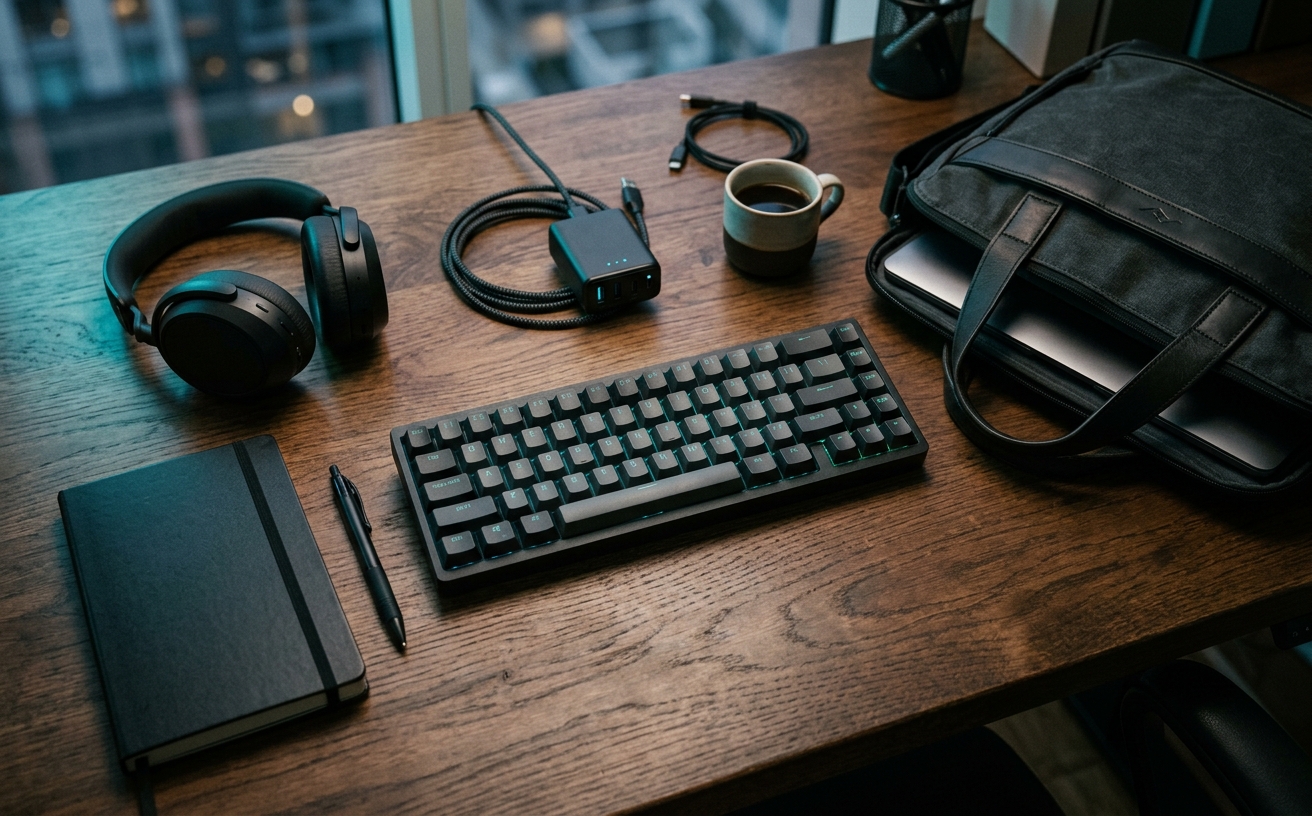
The decision to pack a dedicated travel keyboard for a writing trip is often framed as a matter of ergonomics, but the long-term reality is a matter of maintenance. When a peripheral leaves the controlled environment of a permanent desk, it is immediately subjected to bag compression, particulate intrusion, extreme temperature fluctuations, and lateral port strain. A writing trip implies heavy, sustained usage—often thousands of words drafted across cramped train tables, dusty cafe counters, and varying hotel surfaces. The initial acquisition of a compact mechanical or membrane board is merely the first step. The true cost of ownership emerges in the upkeep required to keep that hardware functional after repeated transit cycles. Evaluating a travel keyboard requires looking past the layout and the switch type to examine the chassis rigidity, the replaceability of individual components, and the degradation curve of its internal battery under travel conditions.
The Physics of Transit and Chassis Strain
Packing a keyboard alongside a laptop, chargers, and clothing introduces severe torsional strain to the peripheral's chassis. Unlike laptops, which utilize rigid aluminum or magnesium shells designed to distribute pressure, many travel keyboards rely on lightweight polycarbonate or thin aluminum top plates. When wedged into a tightly packed backpack and shoved under an airplane seat, the keyboard's printed circuit board experiences microscopic flexing. Over multiple trips, this repeated bending stresses the solder joints connecting the switches or hot-swap sockets to the board, eventually leading to intermittent key failures that are exceptionally difficult to diagnose.
Beyond the internal circuitry, the physical switches bear the brunt of lateral compression. The cruciform stems on standard mechanical switches are designed to handle downward force, not the sideways pressure applied when a bag shifts in transit. If a heavy object presses against the edge of a keycap while the board is packed, the plastic stem inside the switch housing can permanently deform or snap entirely. This vulnerability necessitates protective measures that complicate the packing process.
Mitigating this mechanical wear requires a dedicated hard-shell travel case, which fundamentally alters the volume and weight profile of the gear. A soft neoprene sleeve protects against surface scratches but offers zero resistance to the crushing forces of travel. Investing in a rigid case prevents chassis flex and stem damage, but it also adds significant bulk, forcing users to balance the protective maintenance of their hardware against the strict spatial limitations of a carry-on bag.
Particulate Intrusion and Switch Lifespans
Travel environments are inherently hostile to precision electronics. Working from a park bench, a coastal rental property, or a high-traffic transit lounge exposes the keyboard to grit, sand, pollen, and airborne moisture. These particulates bypass the keycaps and settle into the microscopic gaps between the switch stem and the upper housing. Once inside, the grit acts as an abrasive, wearing down the plastic rails and eventually interfering with the metal leaf contacts that register the keystrokes, resulting in friction, binding, or double-typing.
This reality makes hot-swappable printed circuit boards a mandatory requirement for serious travel setups. In a fully soldered board, a single switch failing due to dust ingress requires a soldering iron, a desoldering pump, and a controlled environment to repair—tools rarely available on a writing trip. A hot-swappable architecture allows the user to pull the compromised switch with a small metal extractor and press a replacement into the socket in seconds, transforming a catastrophic hardware failure into a minor, routine maintenance task.
While low-profile mechanical keyboards are highly sought after for travel due to their reduced height, they present distinct maintenance challenges. Low-profile switches often utilize proprietary pin layouts and housing designs, making it difficult to source replacement parts from third-party vendors. Furthermore, the reduced travel distance means the internal tolerances are tighter, making them even more susceptible to binding when exposed to the inevitable dust and debris of a life on the road.
Battery Degradation in Unpredictable Climates
Wireless travel keyboards rely on internal lithium-ion cells, a chemistry that is highly sensitive to temperature extremes. A keyboard left in a rental car trunk during a summer afternoon or packed in luggage that sits on a freezing airport tarmac experiences rapid thermal cycling. These temperature spikes and plummets accelerate the degradation of the battery's internal capacity, reducing the maximum charge the board can hold and increasing the frequency of required charging cycles during a trip.
The long-term maintenance cost of these batteries is compounded by modern manufacturing techniques. Many premium travel boards feature sealed chassis assemblies held together by adhesive strips rather than accessible screws. When the internal battery inevitably degrades to the point of uselessness, replacing the cell requires applying heat to soften the glue and carefully prying the case apart without damaging the internal ribbon cables. For many users, a dead battery turns a premium wireless board into permanent e-waste.
Consequently, evaluating the wired fallback capability of a travel keyboard is essential. A reliable setup must be able to operate entirely over a physical connection, drawing power directly from the host machine without relying on the internal battery to bridge the connection. This ensures that when the lithium-ion cell eventually fails, the hardware remains fully functional as a wired peripheral, extending its operational lifespan and delaying the need for a complete replacement.
Surface Wear and Keycap Material Economics
Dedicated writing trips involve intense, sustained typing sessions that accelerate the surface wear on peripheral hardware. Keycaps manufactured from ABS plastic, which are frequently used on lightweight travel boards to keep manufacturing costs low, are highly susceptible to friction and the natural oils produced by human skin. After just a few weeks of heavy drafting, the matte texture on ABS keycaps wears away, leaving a slick, greasy-looking shine on the most frequently used vowels and the spacebar.
Upgrading to PBT plastic keycaps mitigates this specific maintenance issue. Polybutylene terephthalate is a denser, more resilient plastic that resists shining and maintains its textured finish for years, even under the strain of heavy daily typing. However, PBT keycaps are heavier and generally thicker than their ABS counterparts, which can subtly alter the acoustic profile of the board and add fractional weight to the travel bag, presenting another trade-off between durability and portability.
Regardless of the material, maintaining the keycaps requires a strict post-trip cleaning protocol. The oils and microscopic debris transferred from the hands to the board during a trip will slowly degrade the plastic and attract further dust if left untreated. Removing the keycaps and soaking them in a mild detergent solution strips away the accumulated grime, restoring the surface friction and preventing the premature degradation of the keycap legends.
I/O Port Stress and Cable Fatigue
The USB-C port is consistently the most common point of mechanical failure on any travel peripheral. Working in confined spaces—such as an airplane tray table or a crowded cafe counter—often forces the connecting cable into tight bends. This lateral tension applies continuous leverage against the internal USB-C receptacle. Over time, this leverage weakens the micro-solder joints connecting the port to the printed circuit board, leading to a loose connection that drops inputs or fails to charge the device.
Mitigating this stress requires deliberate cable management strategies. Utilizing right-angle USB-C connectors directs the cable immediately parallel to the keyboard chassis, eliminating the protruding loop of wire that frequently catches on coffee cups or laptop edges. Additionally, employing a slightly longer cable than strictly necessary prevents the wire from pulling taut when the user shifts their seating position, reducing the sudden jerking forces applied to the port housing.
If the port does begin to fail, the required maintenance is highly specialized. Re-soldering a surface-mounted USB-C port requires a microscope, a hot air rework station, and a steady hand. Because this level of repair exceeds the capabilities of most users and the cost of professional electronics repair often rivals the price of the keyboard itself, protecting the physical integrity of the I/O port through careful handling and appropriate cabling is the single most effective way to extend the life of the hardware.
Decision checklist
- Extract and inspect the three most heavily used switches for dust ingress or stem wobble before packing.
- Clean the USB-C port cavity with a non-conductive silicone pick to remove pocket lint and bag debris.
- Verify the structural integrity of the travel case, checking for crushed corners that compromise protection.
- Cycle the battery completely once a month if the board sits unused between trips to maintain cell health.
- Remove all keycaps and use compressed air followed by an isopropyl swab to clean the exposed top plate.
Who should skip this
Writers who primarily work from a single hotel desk and do not experience wrist fatigue from standard laptop decks should bypass dedicated travel keyboards entirely. The logistical overhead of packing, charging, protecting, and maintaining an external peripheral—alongside the requisite laptop stand and travel mouse needed to make the setup ergonomically viable—negates the benefits for short-duration trips or light typing workloads.
Maintenance note
Post-trip maintenance dictates a complete teardown of the board's exterior components. Remove all keycaps for a warm soapy water bath, use a static-free brush to sweep particulate matter from the PCB plate, and inspect the chassis screws to ensure travel vibrations have not loosened the assembly. Finally, wipe down the exterior casing with a microfiber cloth slightly dampened with distilled water to remove surface oils.
The Connected Desk funds its editorial operations through affiliate partnerships. When you purchase workspace hardware through links in our setup audits, we may earn a commission, which supports our independent research and maintenance evaluations.
FAQ
How often should I replace the switches on a hot-swappable travel keyboard?
Switches only require replacement when they exhibit physical failure, such as double-typing (chattering) or increased friction. In a travel context, this is usually caused by grit intrusion rather than reaching the switch's maximum actuation lifespan.
Does extreme cold damage a wireless keyboard's battery?
Prolonged exposure to sub-freezing temperatures temporarily reduces lithium-ion capacity and can cause permanent cell degradation if the battery is charged while still cold. Always allow the keyboard to reach room temperature before connecting it to power.
Are low-profile mechanical keyboards more fragile than standard profiles?
Low-profile switches have shorter stems and less housing material, making them slightly more susceptible to lateral shear forces if the keyboard is compressed in a tightly packed bag without a rigid hard-shell case.
What is the safest way to clean keycaps while traveling?
Avoid harsh hotel soaps or alcohol wipes, which can strip UV coatings or degrade ABS plastic. Use a slightly damp microfiber cloth to wipe away surface oils daily, saving deep cleaning for when you return to a controlled workspace.