Video Call Fatigue Fixes that Cost Little
Field notes for video call fatigue fixes that cost little: what changes during calls, handoffs, travel days, and long focus blocks, without turning the desk into a showroom.
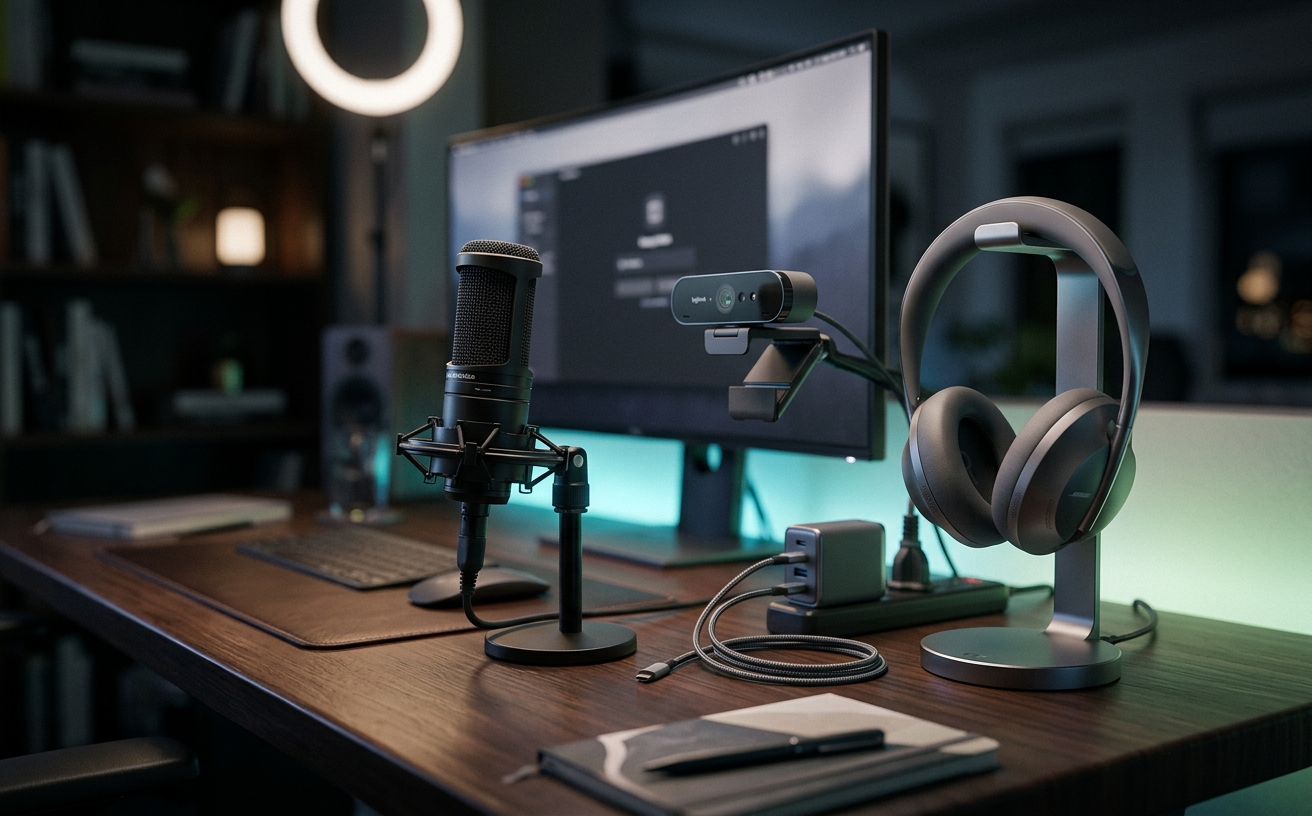
Video call fatigue is rarely a hardware failure; it is almost entirely a systems and culture failure. When remote teams complain of exhaustion after a day of meetings, the instinct is often to requisition higher-resolution cameras or expensive lighting rigs. However, the cognitive load that drains energy stems from micro-frictions: audio latency, poor eye-line ergonomics, and the unnatural psychological burden of staring at a digital mirror. Fixing these issues requires minimal financial investment but demands a coordinated approach to team adoption. A single employee optimizing their audio latency achieves little if the rest of the department continues to broadcast echo and background noise. By implementing low-cost, high-impact workspace adjustments across an entire team, organizations can preserve the deep-focus energy required to actually execute the work discussed on those calls, whether employees are transitioning to afternoon focus blocks, recovering from travel days, or simply maintaining a sustainable daily output.
Standardizing Audio to Reduce Cognitive Load
The most significant contributor to video call fatigue is not visual, but auditory. When audio is compressed, delayed by Bluetooth protocols, or corrupted by room echo, the human brain is forced to work overtime to fill in the missing data. This subconscious processing, known as listening effort, drains cognitive reserves rapidly. Even a latency of two hundred milliseconds forces participants to constantly anticipate interruptions, altering the natural cadence of conversation and creating an underlying layer of anxiety throughout the meeting.
The most effective solution to this problem costs almost nothing: standardizing on wired audio. Basic wired earbuds or in-ear monitors bypass the latency inherent in wireless connections and eliminate the low-level stress of monitoring battery life. Wired microphones, placed closer to the mouth, also dramatically reduce the amount of room echo transmitted to the rest of the team. This physical tethering might seem like a step backward technologically, but it provides a rock-solid, zero-latency connection that allows the brain to process speech naturally.
For this to work effectively, team adoption is mandatory. One person using a high-fidelity wired connection does not experience the benefits if the other five people on the call are using laptop microphones in echoing rooms. Department leaders should establish a clear communication baseline, normalizing the use of visible, wired headsets for internal calls. By framing this as a courtesy to colleagues rather than a rigid IT mandate, teams can quickly adopt a standard that drastically reduces the collective auditory fatigue of the group.
Eliminating the Digital Mirror
Human beings are not psychologically equipped to stare at their own faces while attempting to engage in complex professional conversations. The presence of a self-view window creates a constant, involuntary diversion of attention. Participants find themselves evaluating their own expressions, posture, and background, which splits focus and heightens self-consciousness. This phenomenon, often referred to as mirror anxiety, is a primary driver of the exhaustion felt at the end of a heavily scheduled remote workday.
The technical fix is entirely free and built into every major video conferencing platform. Users must build the habit of verifying their framing when they first join a call, and then immediately selecting the option to hide their self-view. This simple software toggle returns the visual experience to something closer to an in-person meeting, where you can see your colleagues but remain blissfully unaware of your own immediate appearance. It allows the eyes to rest and the mind to focus entirely on the subject matter.
Rolling this out across a team requires proactive communication from management. Because hiding self-view is an invisible action to others, team members might not realize it is an option or might fear they will drift out of frame. Managers should explicitly recommend this practice during onboarding and team syncs. Furthermore, establishing a team charter that explicitly permits turning cameras off during screen shares or deep-dive document reviews can further alleviate visual fatigue without requiring any budget allocation.
Reconfiguring Display and Camera Ergonomics
Physical fatigue often masquerades as mental fatigue during video calls. When a workspace is configured with a laptop off to the side and a primary monitor directly ahead, users are forced to twist their necks to look at the camera, or worse, stare straight ahead at a monitor while their colleagues view them in profile. This prolonged, asymmetrical posture causes tension in the cervical spine and shoulders, which compounds over hours of meetings and translates into a general feeling of exhaustion by mid-afternoon.
Correcting this requires spatial awareness rather than expensive mounts. The goal is to align the camera lens as closely as possible with the faces of the people on the screen. If using a laptop camera, the meeting window should be centered directly below the webcam on the laptop display. If using an external webcam, it should be positioned on the primary monitor, with the conferencing software kept in a window directly beneath it. A stack of books or a low-cost laptop riser can elevate the lens to eye level, preventing the downward gaze that strains the neck.
To drive team adoption of better ergonomics, organizations should encourage sharing workspace photos in internal communication channels. When leadership shares their own makeshift, ergonomically sound setups—complete with books elevating laptops or inexpensive tripods—it demystifies the process. It signals to the team that practical, low-cost physical alignment is prioritized over having a visually perfect, architecturally styled home office, ultimately protecting the team's physical stamina.
Managing Ambient and Task Lighting
Poor lighting forces webcams to increase their ISO sensitivity, resulting in a grainy, lagging video feed that is difficult for colleagues to watch. Furthermore, sitting with a bright window directly behind the desk forces the camera to darken the subject's face into a silhouette, while sitting in a dark room staring at a bright monitor causes severe eye strain. The visual fatigue experienced by a team is directly correlated to the quality of light hitting the sensors of their respective cameras.
Fixing this does not require purchasing professional ring lights or softboxes. The most effective low-cost lighting strategy relies on positioning and diffusion. Moving a desk so that the user faces a window utilizes natural, diffused daylight. If natural light is unavailable, placing a standard, inexpensive desk lamp behind the monitor and bouncing the light off the wall creates a soft, even illumination. Alternatively, a piece of white foam board placed on the desk can bounce existing room light up into the face, eliminating harsh shadows under the eyes.
Team adoption of good lighting practices improves the visual experience for everyone on the call. Managers can facilitate this by conducting a brief, informal lighting audit during a low-stakes internal meeting. By gently pointing out when a team member is heavily backlit and suggesting a quick adjustment—like closing a blind or turning on a specific room light—the entire team learns how to optimize their environment. This collective effort reduces the visual processing strain for the whole department.
Structuring the Transition Buffers
The modern remote schedule often features back-to-back meetings with zero transition time. In a physical office, the walk between conference rooms provides a natural buffer to process information, rest the eyes, and mentally prepare for the next topic. In a remote environment, instantly teleporting from one high-stakes conversation to another offers no cognitive reset. This relentless pacing guarantees that by the third consecutive call, participants are no longer actively retaining information or contributing meaningfully.
The solution is a structural calendar adjustment that costs nothing to implement. Organizations must abandon the standard thirty-minute and sixty-minute meeting blocks. Instead, calendar software should be configured at the administrative level to default to twenty-five-minute and fifty-minute durations. This enforced buffer ensures that every participant has five to ten minutes to stand up, look at an object twenty feet away to relax their ciliary muscles, and hydrate before the next connection begins.
This is the most difficult fix to adopt because it requires absolute discipline from leadership. If a manager consistently ignores the buffer and runs meetings to the top of the hour, the entire system collapses, and the team will follow suit. Team leaders must act as the enforcers of time, explicitly stating that the meeting is ending early to allow for transition time. When leadership respects the buffer, it grants the rest of the organization the psychological permission to step away from their screens, drastically reducing aggregate fatigue.
Decision checklist
- Switch to wired in-ear monitors or standard wired earbuds to eliminate Bluetooth latency and the resulting cognitive listening effort.
- Configure your video conferencing software to automatically hide your self-view immediately after verifying your initial camera framing.
- Position the primary meeting window directly beneath the webcam lens to minimize neck rotation and maintain a natural eye-line.
- Bounce a single, low-cost LED desk lamp off the wall behind your monitor to reduce harsh shadows and lower the camera's processing load.
- Set organization-wide calendar defaults to end meetings five to ten minutes before the hour to guarantee cognitive transition buffers.
Who should skip this
Professionals who conduct the majority of their work asynchronously and only participate in occasional, brief video check-ins will not experience the compound fatigue these systems address. Additionally, individuals in highly formal, high-stakes client-facing roles—such as enterprise sales directors or broadcast media personnel—where high-end teleprompters, DSLR cameras, and professional acoustic treatments are strictly required by corporate standards, should bypass these low-cost fixes in favor of enterprise-grade hardware solutions.
Maintenance note
Sustaining these improvements requires a brief weekly audit of your software settings, as updates to operating systems or conferencing applications frequently reset default microphones and camera preferences. Additionally, make it a habit to wipe down your webcam lens with a microfiber cloth every Monday morning; a smudged lens forces the camera to constantly hunt for focus, which introduces a subtle but highly distracting visual pulsing to the rest of the team.
The Connected Desk funds its independent workspace research through affiliate partnerships. If you purchase hardware or accessories through links in our editorial content, we may earn a commission. This revenue model allows us to maintain strict editorial independence and focus on practical, systems-based solutions without accepting direct sponsorships from manufacturers.
FAQ
Why are wired headphones better for reducing fatigue than wireless options?
Wired headphones eliminate the inherent latency of Bluetooth protocols. Even a fraction of a second of delay forces the brain to work harder to synchronize the audio with the visual mouth movements, draining cognitive energy over the course of a day.
How do we convince management to allow camera-off time during internal meetings?
Frame the request around productivity and deep focus rather than fatigue. Propose a team charter that requires cameras for introductions and complex emotional discussions, but explicitly permits turning them off during screen shares or routine status updates to preserve energy for actual work execution.
Does hiding self-view actually make a measurable difference in daily energy levels?
Yes. Constantly viewing your own face triggers a psychological response called mirror anxiety, forcing your brain to monitor your own expressions and posture while simultaneously trying to interpret the expressions of your colleagues. Removing it halves the visual processing load.
What is the cheapest way to fix bad webcam lighting without buying new equipment?
Position your desk so you are facing a window to utilize natural light. If that is impossible, place an ordinary desk lamp behind your monitor and aim it at the wall directly in front of you to create a large, soft, bounced light source that illuminates your face evenly.