Webcam and Lighting Scorecard
A practical setup brief for webcam and lighting scorecard, judged by repeat use, cable paths, ergonomics, maintenance, and whether a teammate could copy the system.
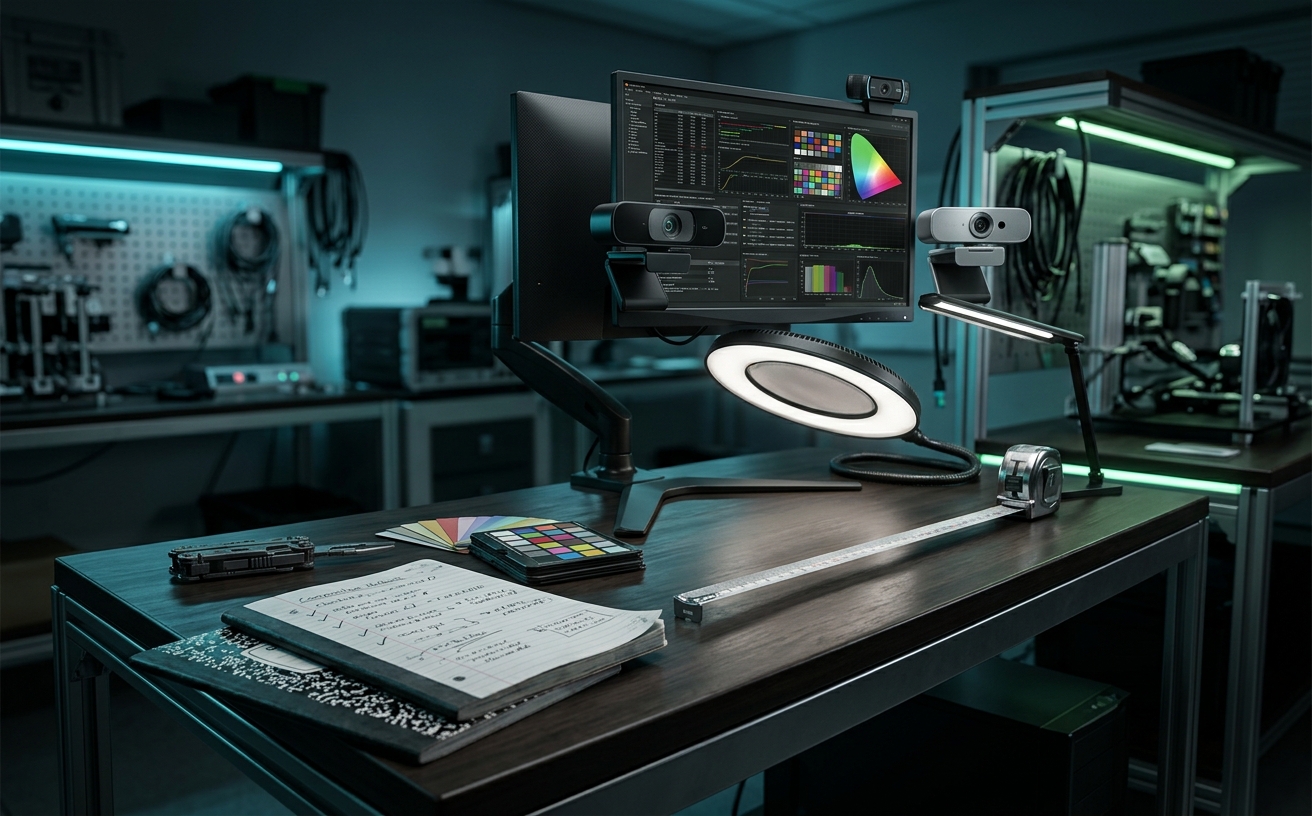
Evaluating a workspace video setup based on a single five-minute test call obscures the reality of daily operation. A true scorecard for webcams and peripheral lighting must account for the friction of continuous use: the eighth consecutive hour of a client workshop, the thermal load on a high-resolution sensor, the slow degradation of friction mounts, and the software amnesia that resets custom exposure profiles after every system update. This decision guide establishes a rigorous framework for scoring video peripherals based on their ability to operate flawlessly through repeated meetings, shifting ambient light, travel days, and routine desk reconfigurations. We measure success not by peak theoretical resolution, but by structural reliability, software persistence, and ergonomic sustainability over months of demanding professional use.
Optics and Sensor Reliability Under Shifting Conditions
Most optical evaluations focus on static, perfectly illuminated environments, ignoring the dynamic reality of a standard workday. A high-scoring webcam must handle the transition from harsh morning directional sunlight to the flat, artificial overhead lighting of late afternoon without requiring manual intervention. We evaluate sensors based on their dynamic range and their ability to suppress visual noise when ambient lux levels drop, rather than relying on aggressive digital gain that degrades the image into a muddy, artifact-heavy feed during late-shift focus blocks.
Autofocus mechanisms frequently reveal their flaws only after hours of repetitive user movement. Contrast-detection and phase-detection systems often engage in continuous focus hunting, shifting the focal plane back and forth when a user leans in to read a document or gestures during a presentation. A reliable setup requires an autofocus system that either locks onto facial geometry with absolute stability or offers a fixed-focus manual override that remains sharp across a practical depth of field, preventing the distracting pulsing effect that fatigues viewers on the other end of the call.
The physical construction of the lens assembly directly impacts long-term optical clarity. Multi-element glass lenses resist the micro-scratches and thermal expansion that plague cheaper plastic alternatives, maintaining sharpness even after months of being wiped down or packed into travel bags. Furthermore, we score cameras on the presence of physical privacy shutters that integrate seamlessly with the lens housing, ensuring that the mechanical action of opening and closing the aperture daily does not misalign the optical center or introduce dust into the sensor cavity.
Structural Integrity and Mounting Stability
The physical interface between a webcam, its lighting array, and the monitor bezel is a frequent point of failure in repeat-use scenarios. High-resolution cameras and dedicated key lights carry significant physical weight, which can induce micro-vibrations if the mounting bracket lacks sufficient tension. We score mounts on their ability to dampen kinetic energy from heavy typing or desk bumps, requiring rigid, rubberized contact points that grip modern, ultra-thin monitor bezels without applying damaging pressure to the display panel itself.
For articulated boom arms and desktop light stands, the evaluation centers on the longevity of friction joints and locking mechanisms. Ball heads and tension knobs that rely on plastic-on-plastic contact inevitably wear down, leading to a slow, imperceptible sag that ruins framing over the course of a week. Professional-grade setups score higher when they utilize all-metal locking threads, geared joints, or counterbalanced gas springs that maintain precise positioning regardless of how many times the user adjusts the angle for different meeting types or desk postures.
Travel introduces a distinct set of structural challenges, demanding peripherals that survive the compression and impact of being repeatedly packed into laptop bags. We penalize designs with permanently attached, non-braided cables that are prone to internal fraying at the junction point. A high-scoring travel setup utilizes modular, recessed USB-C ports, folding mounts with reinforced metal hinges, and low-profile lighting panels that distribute pressure evenly across their chassis to prevent cracked diffusion layers during transit.
Thermal Management and Power Delivery
Continuous operation generates substantial heat, particularly in 4K webcams processing uncompressed video feeds and high-output LED panels. Poor thermal management leads to thermal throttling, where a camera will automatically drop its frame rate or resolution to prevent internal damage during a marathon three-hour workshop. We evaluate the chassis design for passive cooling capabilities, favoring aluminum enclosures that act as effective heat sinks over sealed plastic bodies that trap thermal energy and degrade sensor performance over time.
Lighting peripherals face similar thermal constraints, directly impacting their color accuracy and lifespan. When LEDs overheat, they often experience color shift, gradually drifting toward a green or magenta tint that ruins the carefully calibrated white balance of the camera. A rigorous scorecard demands lighting solutions with adequate ventilation and high-quality diodes that maintain a consistent Color Rendering Index and temperature profile from the first minute of illumination to the end of a full workday.
Power draw and bus stability are critical factors when running multiple high-bandwidth peripherals through a single workstation or docking station. Cameras and lights that draw near the maximum wattage of a standard USB port can cause sudden bus resets, resulting in dropped feeds or flickering lights when the system is under heavy load. High scores are awarded to devices that utilize dedicated power delivery protocols, offer external power options for lighting arrays, and maintain stable connections without overwhelming the host machine's USB controller during intensive multitasking.
Software Persistence and Ecosystem Friction
The most common friction point in a workspace video setup is software amnesia. Many proprietary camera hubs and lighting control applications fail to retain custom settings, such as manual white balance, field of view cropping, and exposure compensation, after a system reboot or an application update. We strictly evaluate peripherals on their ability to save user profiles directly to onboard hardware memory, ensuring that the camera and lights power on in the exact state they were left, regardless of whether the host software is actively running in the background.
Driver conflicts between competing video conferencing platforms frequently hijack camera controls, overriding carefully tuned parameters. When switching from a Microsoft Teams huddle to a Zoom client presentation, the operating system's handling of the virtual camera feed must remain seamless. High-scoring setups bypass aggressive auto-exposure algorithms forced by conferencing apps, relying instead on robust, low-level drivers that lock the hardware state and prevent third-party software from altering the visual baseline mid-call.
For lighting control, the reliance on desktop applications or mobile apps introduces unnecessary latency into the daily workflow. While software control is useful for initial calibration, daily operation requires tactile, physical interfaces. We prioritize lighting systems that feature accessible hardware dials for brightness and color temperature, allowing users to make instantaneous, muscle-memory adjustments as room lighting changes, without breaking eye contact or navigating through nested software menus during a live conversation.
Visual Ergonomics and Long-Term Eye Strain
Evaluating lighting solely on its maximum lumen output ignores the physiological toll of staring into a bright light source for eight hours a day. Harsh, direct illumination causes pupil constriction, headaches, and severe eye fatigue. A high-scoring lighting setup prioritizes edge-lit LED architectures or multi-layer diffusion panels that soften the light source, wrapping the illumination gently around the subject's face and eliminating the blinding micro-shadows created by exposed diode arrays.
Invisible flicker is a primary culprit for end-of-day workspace fatigue. Cheaper LED drivers use low-frequency Pulse Width Modulation to dim the lights, creating a rapid strobing effect that, while imperceptible to the naked eye, forces the brain to constantly process the micro-fluctuations. We strictly evaluate lighting hardware for flicker-free, high-frequency continuous current drivers that provide smooth dimming curves and eliminate the neurological strain associated with prolonged exposure to budget lighting panels.
Strategic placement and ambient integration form the final metric of the scorecard. Relying entirely on a single, front-facing key light flattens the subject and increases glare on monitors and eyeglasses. We score setups higher when they incorporate bounce lighting techniques, directing light off a neutral wall, or utilize supplementary rim lighting to separate the user from the background. This approach reduces the necessary intensity of the primary light source, creating a comfortable, sustainable visual environment that maintains a professional aesthetic without compromising the user's physical comfort.
Decision checklist
- Verify that your webcam retains manual exposure and white balance settings after a full system reboot without opening the companion software.
- Inspect all friction joints and ball heads on your mounting arms for signs of plastic dust or sagging after locking them into position.
- Touch the chassis of your webcam and lighting panels after two hours of continuous use to check for excessive heat buildup.
- Test your lighting panels at 30 percent brightness using your smartphone's slow-motion camera to detect invisible low-frequency flicker.
- Confirm that your camera's autofocus does not pulse or shift when you lean forward by six inches and return to your neutral seating position.
Who should skip this
This scorecard is unnecessary for professionals who primarily rely on audio-only communication, screen-sharing workflows without a camera feed, or those who only join brief, infrequent internal stand-ups. If your video requirements consist of a single weekly check-in where visual fidelity and long-term ergonomic comfort are not critical to your client interactions or personal focus, investing time in rigorous peripheral evaluation will yield diminishing returns.
Maintenance note
Sustaining a high-scoring video setup requires a scheduled maintenance routine to prevent gradual degradation. Wipe down optical glass lenses monthly using a dedicated microfiber cloth and optical cleaning solution to remove airborne dust and smudges that reduce contrast. Check for and apply firmware updates quarterly to ensure compatibility with operating system changes, and manually tighten the tension screws on all articulating arms and monitor mounts to compensate for the natural loosening caused by daily desk vibrations.
The Connected Desk funds its editorial operations through affiliate partnerships. When you purchase workspace systems, peripherals, or mounting hardware through the links in our decision guides, we may earn a commission. This revenue model does not influence our scoring criteria, hardware evaluations, or the rigorous standards we apply to continuous-use workspace equipment.
FAQ
Why does my webcam look grainy in the afternoon even though it is a 4K sensor?
High-resolution sensors require significant ambient light to operate cleanly. As natural light fades, the camera compensates by increasing digital ISO (gain), which introduces visual noise. Upgrading your diffusion lighting to activate automatically as room lux drops will solve this without replacing the camera.
How do I stop my video conferencing app from overriding my custom camera settings?
Disable the automatic low-light adjustment and hardware acceleration features within the specific app settings. These features bypass your camera's native drivers. Use your webcam's proprietary software to lock the exposure and white balance profiles directly to the device's onboard memory.
Is an edge-lit LED panel better than a standard LED panel for long calls?
Yes. Edge-lit panels bounce light inward across a diffusion layer before it exits toward your face, eliminating direct line-of-sight to the diodes. This drastically reduces eye strain and harsh shadows during back-to-back meetings compared to standard direct-lit panels.
Why does my camera freeze or drop frames after an hour of use?
This is typically caused by thermal throttling or USB bus power limitations. High-end webcams generate heat, and if plugged into an unpowered USB hub alongside other peripherals, the power draw can cause the connection to reset. Plug the camera directly into a high-bandwidth port on the host machine.